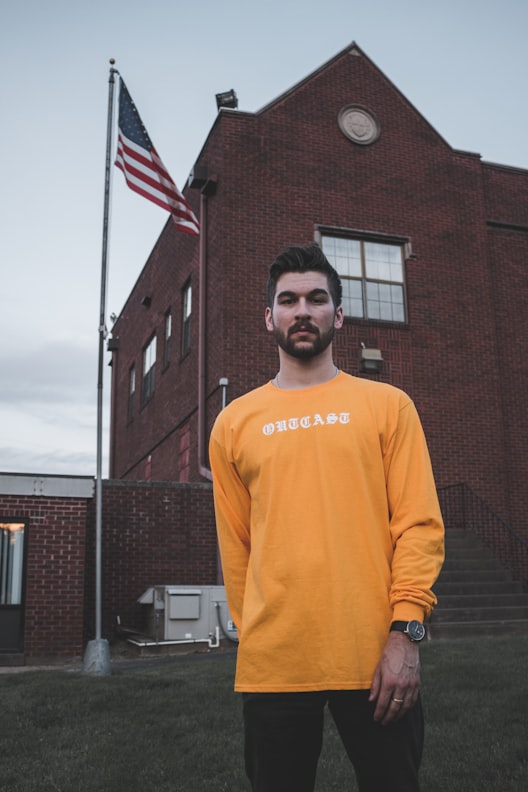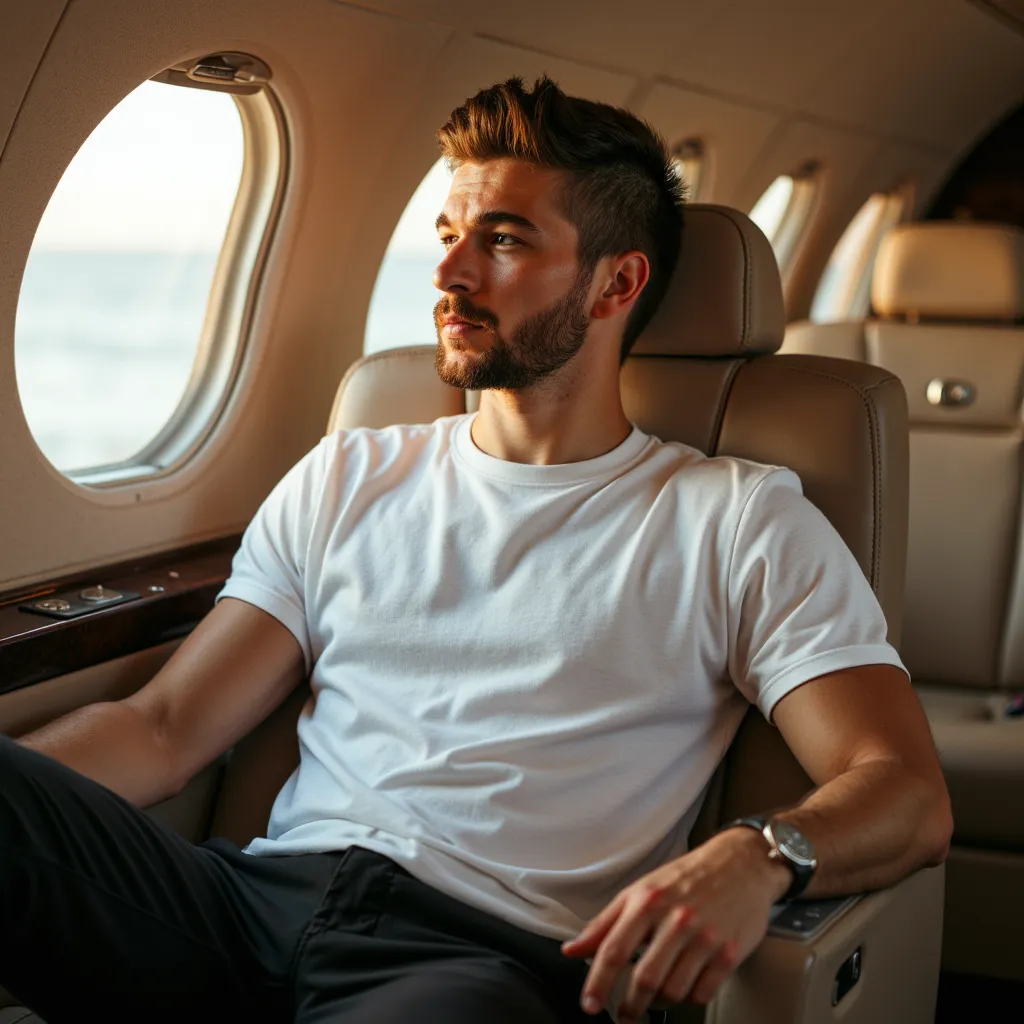
Your photos are doing most of the work on Tinder before you even know someone looked at your profile. Researchers at Princeton found that people form judgments about a stranger within 100 milliseconds of seeing their face. On Tinder, users spend under 2 seconds deciding whether to swipe left or right. That means your photos need to communicate who you are almost instantly - and photo quality is the single strongest predictor of whether someone swipes right.
This post covers what actually makes a Tinder photo work, the mistakes that tank match rates, and how AI photo generation fits into all of it.
Why Your Brain Decides Before You Do
That Princeton finding is not just a fun fact. It means no amount of clever bio writing can rescue a weak first photo. By the time someone reads "avid traveler, dog dad, makes a mean carbonara," they've already decided whether they're interested based on your photos.
The implication for your Tinder profile is simple: photos are not decoration. They are your pitch. Everything else is secondary.
Most guys underestimate this. They spend 20 minutes writing a bio and upload whatever photos they already have on their phone. The result is a profile that competes poorly against people who put actual thought into their photo lineup.
The 6 Types of Photos That Perform Best
A strong Tinder profile is not just one good photo repeated in slightly different poses. It tells a story across multiple images. Here are the six types that consistently perform well, and why each one works.
1. The Clear Headshot
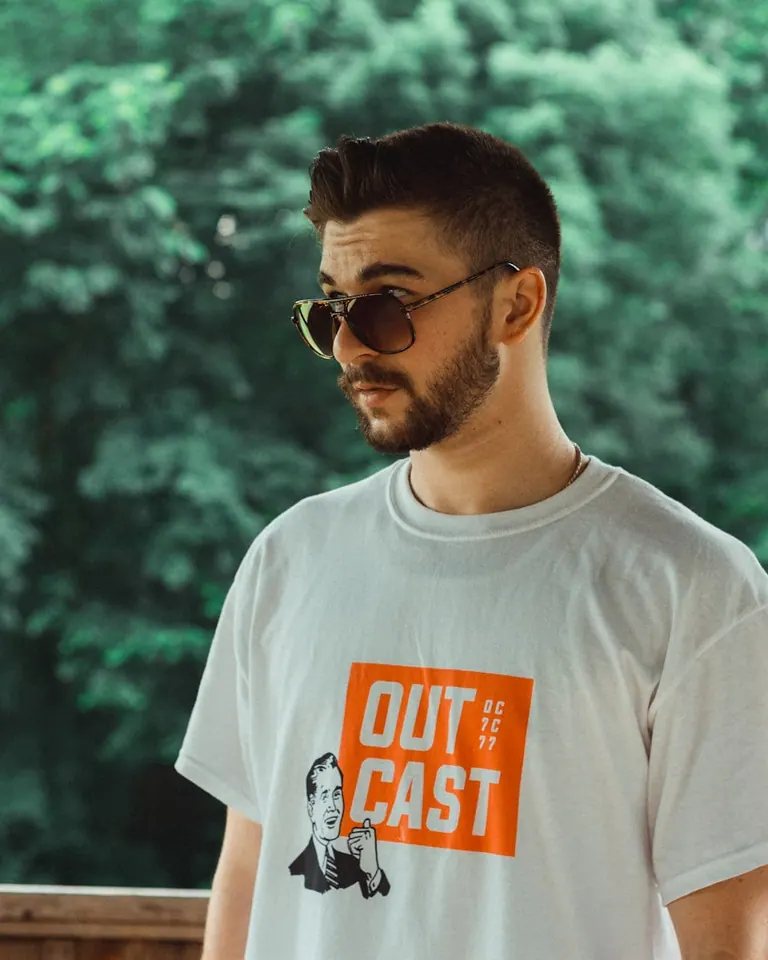
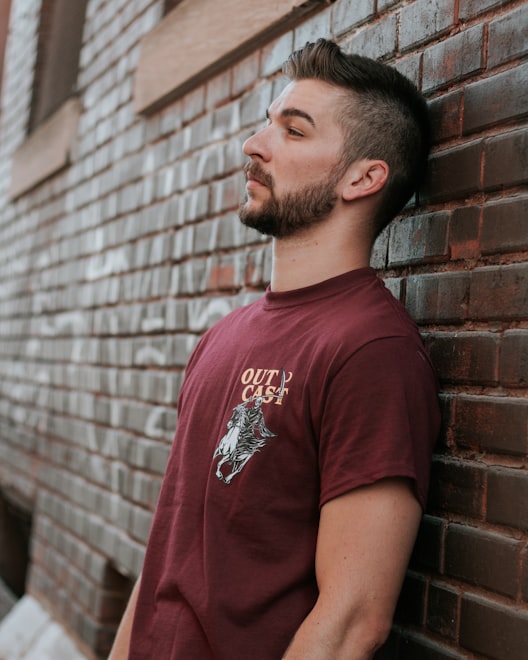
Your first photo should be a well-lit, solo shot where your face fills most of the frame. No sunglasses, no hats pulled low, no group of five people where no one can tell who the profile belongs to. This is the photo people see in the small thumbnail when they're deciding whether to open your profile at all.
It works because the brain processes faces first. A clear face signals confidence and makes you easy to recognize. When someone matches with you and you show up to a date, they should immediately recognize you from this photo.
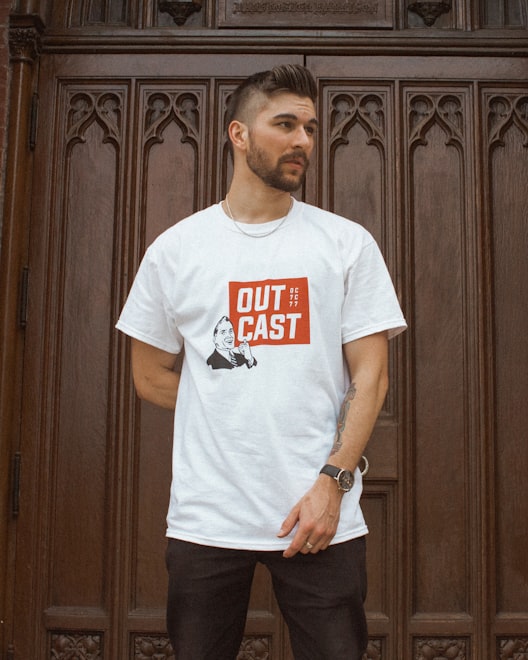
2. Full-Body or Dressed-Up
People are assessing physical compatibility on Tinder. A photo that shows your full body, or at least from the waist up in a sharp outfit, answers a question they're already asking. A well-fitted outfit also signals that you put some care into how you present yourself.
This is not about having a perfect physique. It's about honesty and style. Someone in a decent-fitting shirt they actually ironed will outperform a guy hiding behind a baggy hoodie every time.
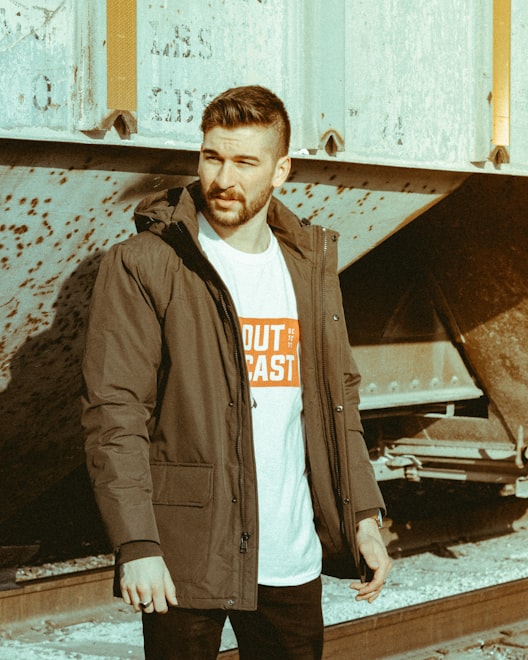
3. Activity or Hobby Photo
A photo of you doing something - playing guitar, on a trail, cooking, at a climbing wall - is a conversation starter built directly into your profile. It gives someone a natural opening line that doesn't involve "hey."
It also communicates personality in a way that no bio sentence can. Saying you like hiking means nothing. A photo of you mid-trail, with actual dirt on your boots, is believable.
4. Social Photo (With Friends)
A photo with friends or in a group setting serves as social proof. It tells the person swiping that other people like being around you, that you have a life outside your apartment, and that you're not isolated. These are all things people read subconsciously from a single image.
The key is making sure it's obvious which person in the photo is you. If someone has to guess, you've already lost the moment.
5. Travel Photo
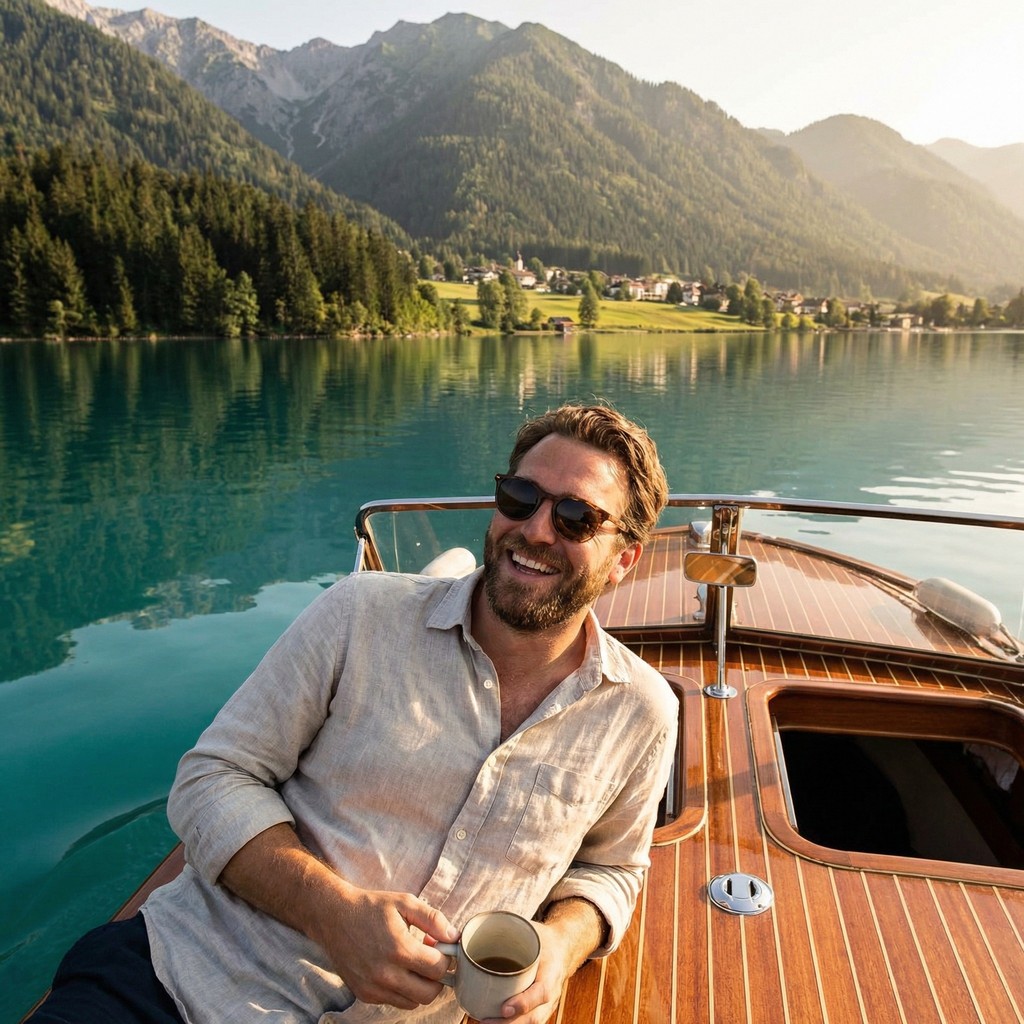
An interesting background - a recognizable city, a landscape, an unusual location - adds visual depth and signals that you're curious and willing to invest in experiences. Travel photos also give the impression of a fuller life and are another natural conversation starter.
You don't need to have been to 30 countries. One genuine photo from somewhere interesting is enough.
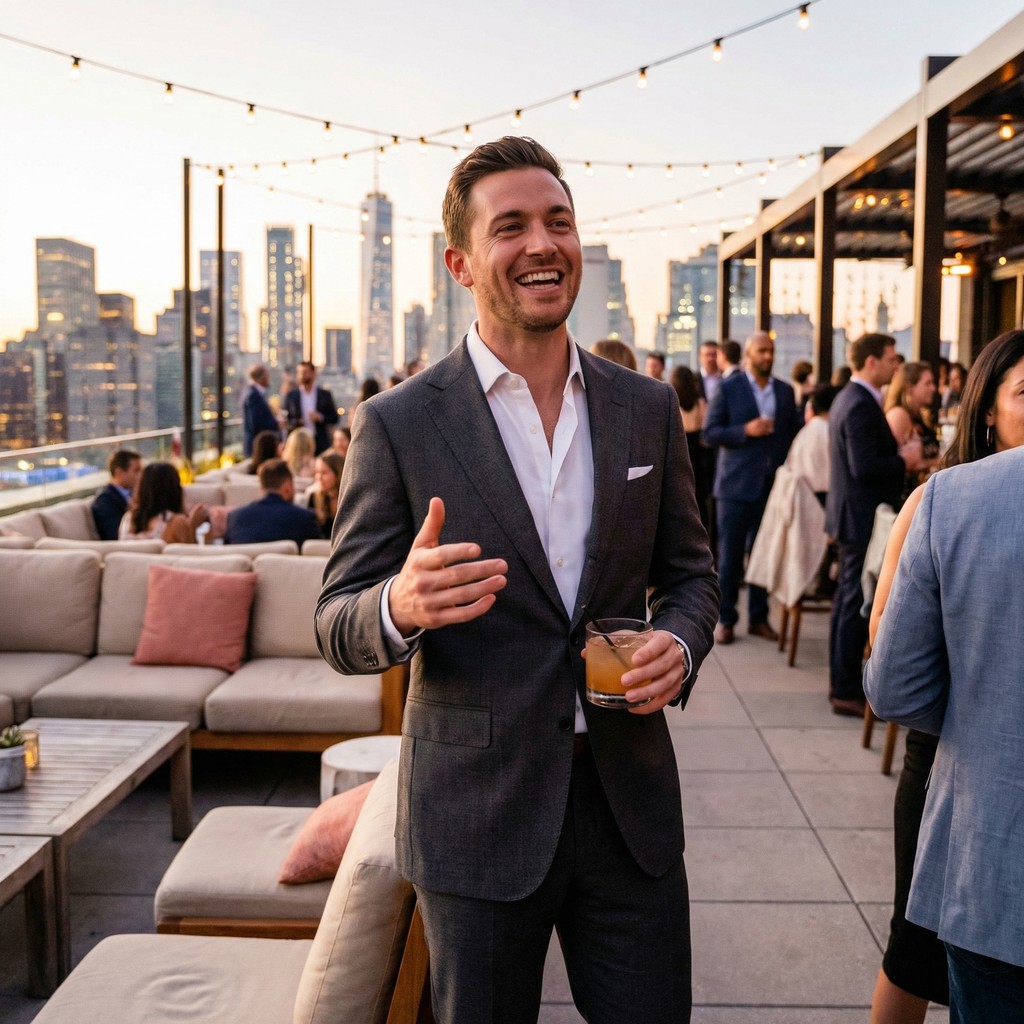
6. Dressed-Up or Evening Shot
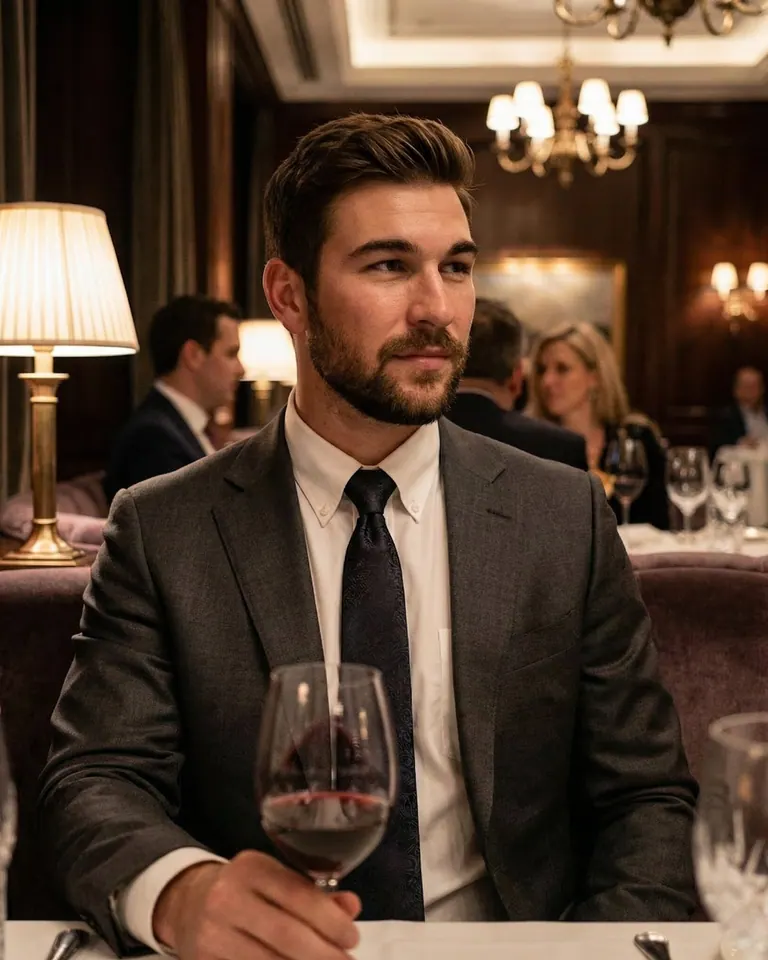
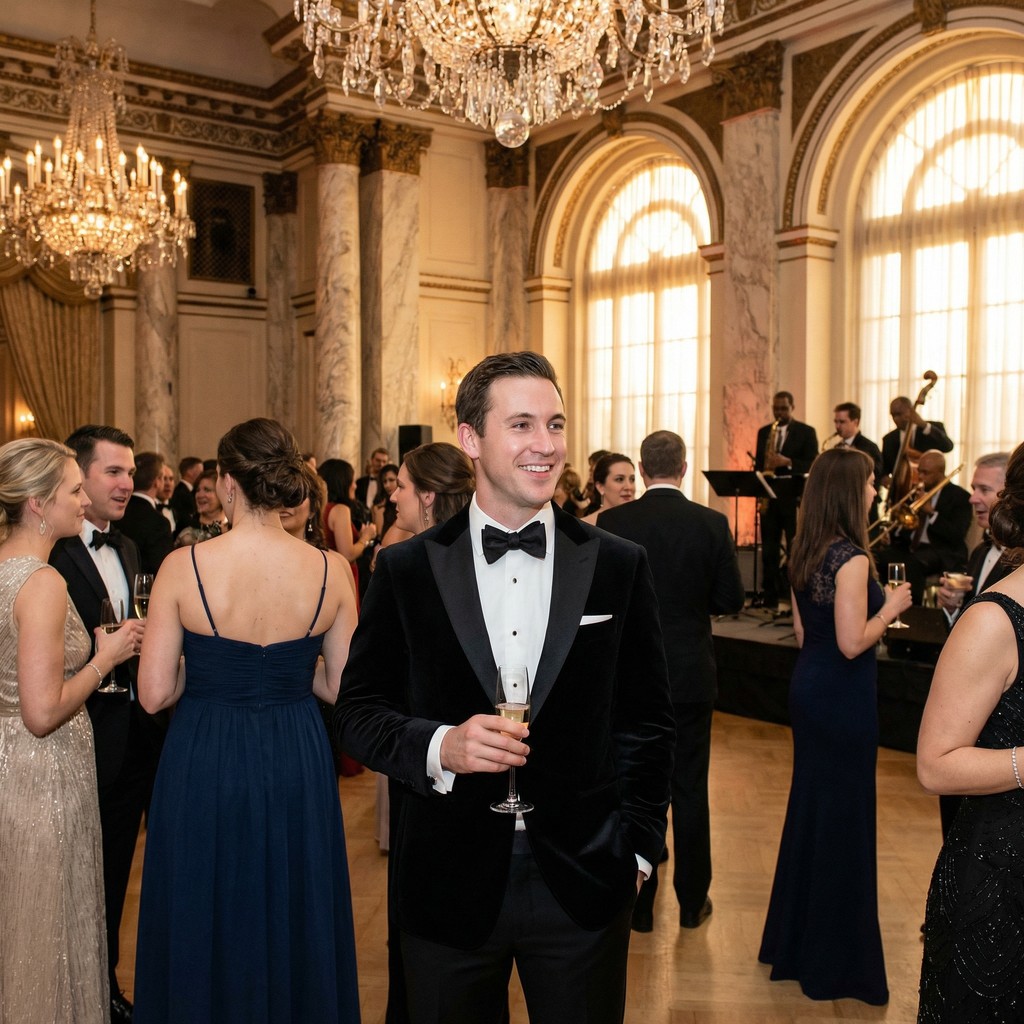
A photo in slightly more formal or evening wear does something that casual shots can't: it shows range. It suggests you can show up appropriately for a real date. A guy who only ever appears in the same grey t-shirt in every photo leaves nothing to the imagination.
Common Photo Mistakes That Kill Match Rates
Knowing what works only helps if you also cut what doesn't. These are the mistakes that quietly destroy match rates.
Group photos as your first photo. If someone has to figure out which person in a party photo is you, they'll swipe left instead of solving the puzzle. Your main photo should always be a clear solo shot.
Gym mirror selfies. These read as insecure overcompensation, even if that's not the intent. There are better ways to show your physique.
Fish photos. This is a well-documented Tinder joke at this point. Unless fishing is a genuine core part of your identity and you're specifically looking for someone who shares that, a fish photo costs more than it earns.
Blurry bar shots. A grainy, motion-blurred photo taken in a dark bar is not a photo - it's noise. It signals to the person swiping that either your phone is terrible or you couldn't find anything better, neither of which is a good impression.
Sunglasses in every photo. One photo with sunglasses is fine. Sunglasses in five out of six photos suggests you're hiding something, whether that's your intention or not. People want to see your eyes.
Heavy filters. Extreme filters make your photos look like they were taken by a 17-year-old in 2014. They also make you look like you're hiding what you actually look like.
Old photos that don't look like you anymore. If you show up to a first date and the person does a visible double-take, the photos did more harm than good. Your photos should match your current appearance. Using a photo from five years and 30 pounds ago is not flattering - it's misleading, and people notice immediately.
How AI Photo Generation Actually Works
AI photo generation for dating profiles is not a filter app. It's a model training process that produces photos of you in settings you never actually visited.
Here's how it works. You upload 5-10 clear photos of yourself - plain background shots, good lighting, different angles. The AI uses those images to train a model of your face. It learns your specific features: the shape of your jaw, how your eyes catch light, the structure of your face from different angles.
Once the model is trained, it generates new photos by placing your likeness into entirely new scenes - a city street, a coffee shop, an outdoor shoot with natural light, a clean neutral background. The photos look like photos of you because they are modeled on your actual face. They're just in scenarios that would have required booking multiple photoshoots to capture.
MatchPhotos offers two AI models for this. FLUX is the faster option and produces over 200 photos per session - good if you want maximum variety to pick from. Nano Banana Pro generates fewer photos but focuses on maximum realism, which is worth considering if your priority is photos that are indistinguishable from high-end portrait work.
The total cost is $29 and the turnaround is about 1 hour. For reference, a single professional photographer booking typically starts at $150-300 and gives you maybe 20-30 edited photos from one location.