Dating Tips

Best Hinge Photos for Men: Examples & First-Photo Tips

Updated October 4, 2026 · 7 min read

By MatchPhotos Editorial Team · Facts checked October 4, 2026

Start with a clear solo portrait, then show your everyday style and a genuine interest. Each additional photo should add something new. The lineup below is an editorial example, not a tested formula or a guarantee of more matches.

Best Hinge Photos for Men: Examples & First-Photo Tips

What makes a good Hinge photo lineup?

Good Hinge photos for men make it easy to recognize you and get a sense of your everyday life. Start with a clear portrait, then add pictures that show your full appearance, interests and surroundings. Each image should answer a different question. Six versions of the same headshot offer less context than a smaller, varied selection.

You do not need an impressive destination, a particular body type or a professional shoot. Choose recent pictures that look like you. The examples below are editorial suggestions, not a tested formula or a promise of more matches.

Choose your first photo

Look at your candidates at the size they will appear on a phone. A photograph that looks sharp on a large screen can become hard to read after cropping. For your Hinge first photo, check:

  • You are the only person in the frame and are easy to identify.
  • Your face is visible, without sunglasses, a phone or a deep shadow covering it.
  • Your appearance matches how you look now, including hair and facial hair.
  • Your eyes and face are in focus, with enough space around your head for cropping.
  • The background leaves your face easy to see.

Consider these three choices before deciding:

Candidates First-photo choice Reason
Portrait in open shade or a beach shot in sunglasses The portrait Your eyes and face remain visible. The beach shot may belong later if it adds context.
Solo portrait or a dinner photo with friends The solo portrait Someone seeing your profile for the first time does not have to identify you in a group.
Natural skin detail or a heavily smoothed close-up The natural portrait It gives a clearer idea of your current appearance.

Choose an expression you recognize as your own. A relaxed neutral expression is usable; you do not have to force a broad smile. If none of your portraits passes these checks, take another rather than trying to rescue an unsuitable crop.

A practical lineup: four core photos and two optional additions

Hinge's official profile guide specifies four to six photos depending on local requirements. Follow what your account requests. The four core roles below are a starting point; the last two provide ideas when you need more images. For requirements and preparation, see the Hinge photo checklist.

Role Example and purpose Replace this weaker choice
1. Clear portrait A recent solo picture in soft daylight introduces your face. Sunglasses or a distant silhouette.
2. Full appearance A relaxed standing photo shows your clothing and full silhouette. A second headshot from the same session.
3. Genuine interest Preparing a dish you enjoy gives someone a specific interest to ask about. An activity staged solely for the profile.
4. Everyday context Reading on your balcony shows an ordinary part of your life. Another portrait with only a different filter.
5. Optional social moment One clear photo with friends adds social context. A crowded group where you are difficult to find.
6. Optional different occasion A recent local outing adds a new setting or detail. An old trip photo that no longer looks like you.

The roles can overlap. A full-body picture taken during a real walk might also show an interest. Avoid forcing a group photo or pet picture if neither fits your life. If you need six images, find two additional moments that add information instead of repeating the same pose.

Worked example: choose a lineup from eight candidates

This is a fictional editorial exercise, not a customer profile or a performance test. Imagine Alex is choosing among these eight recent pictures. The decision is about clarity and variety, without scoring his appearance.
Same you. Better photos.

Your camera roll doesn’t have to limit your dating profile. Turn everyday selfies into a gallery of portraits in different outfits and settings, then choose the photos you actually want to use.

Before
Before
After
After
Start with your selfies
Upload clear, recent photos of yourself. No photographer. No awkward shoot.
Get more options
Try casual, outdoor and dressed-up looks without planning a separate session for each.
Pick your profile photos
Choose the shots that look like you and fit alongside your existing photos.
Candidate Decision Why
A. Solo portrait by a window Core: first photo Face visible, current haircut, simple background.
B. Standing on a familiar walking route Core: second photo Shows his full appearance and everyday clothes.
C. Making his usual weekend pasta Core: third photo Adds a real interest he can talk about.
D. Reading on his balcony Core: fourth photo Adds everyday context beyond the kitchen and walk.
E. With two friends at a picnic Optional fifth He is recognizable and his friends agree to its use.
F. At a local outdoor film screening Optional sixth Adds a different occasion without hiding his face.
G. Another portrait from the window session Leave out Repeats A without adding useful information.
H. Another frame from the same walk Leave out Repeats B's outfit, framing and setting.

Alex starts with A, B, C and D. If his account requires six, he adds E and F. If the picnic image becomes unclear in the app's crop, he retakes an alternative rather than keeping it just to fill a slot. This is one possible lineup, not a ranking of hobbies or lifestyles.

Fix the gaps in your photo library

No clear portrait: stand facing soft window light or use open shade outdoors. Keep the camera near eye level and take a few expressions. Review the face at full size before ending the session.

No full-body image: place your phone on a stable support and move it farther away. Leave room above your head and below your feet. Check that the angle has not stretched or compressed your proportions.

Too many similar pictures: photograph another real part of your week. Changing only a shirt or filter will not add much context. Use our guide to taking dating profile pictures by yourself for the phone setup, timer and three starter shots.

If you are considering generated pictures, assess whether the face, body and setting represent you accurately. Do not imply a trip or activity happened when it did not. You can review annotated photo examples or explore AI photos for Hinge before deciding whether that option fits your missing photo.

Check the finished profile

Preview the uploaded pictures inside Hinge. Look for cropped heads, hidden faces, repeated poses and distracting details. Read your prompts beside the images: a cooking picture should reflect something you actually enjoy, rather than an invented interest added to match a prompt.

Ask a friend who knows you which images look most like you today and whether any need explanation. A question such as “Which picture is clearest?” is more useful for this check than asking them to predict how many likes you will receive.

If you replace one photo later, note what changed and observe your experience. Location, activity and who sees the profile also vary, so a week-to-week comparison is not a controlled A/B test. Update pictures when they become inaccurate or when you have a useful new one, without assuming an algorithmic reward.

Frequently asked questions

How many pictures should I use on Hinge?

Follow the requirement displayed in your account. Hinge currently documents four to six depending on local requirements. Choose distinct images for those slots rather than treating six as a universal rule.

Can a selfie be a good Hinge photo?

Yes, if it is clear, current and easy to recognize. Check for arm-length distortion, a phone covering your face and distracting surroundings. A timer gives you another option when holding the phone limits the framing.

Should I include a group photo?

It is optional. One can add context after your solo photos if you are recognizable and the other people are comfortable with its use. Leave it out if viewers need help finding you.

Do I need professional Hinge photos?

No. Natural light and a phone can produce a usable set. A photographer may help with setup or direction, but the same checks for likeness and variety apply. Our professional Hinge photo guide covers that route if you want to explore it.

Ready for more matches? Start with better photos.

Your photos make the first move. Give them a reason to swipe right with standout AI portraits made from your selfies. Pick your strongest shots and put a better profile out there.

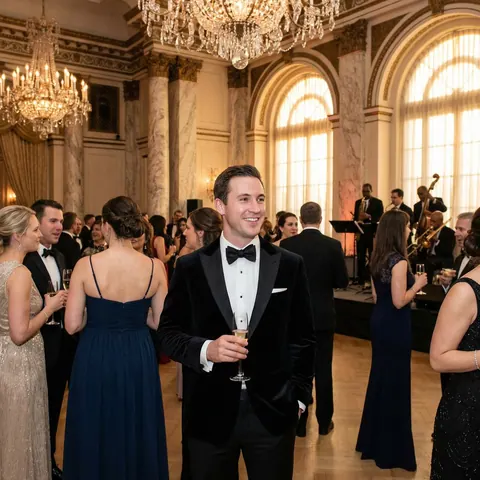
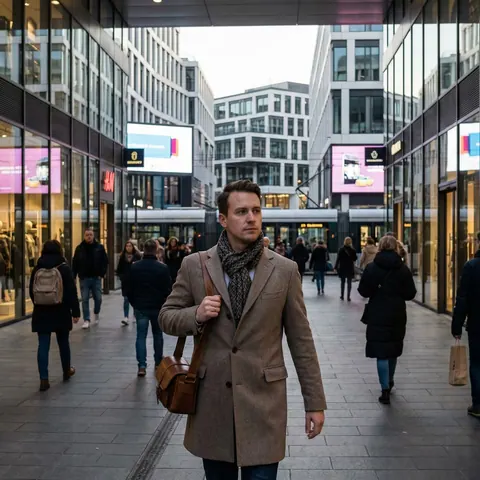
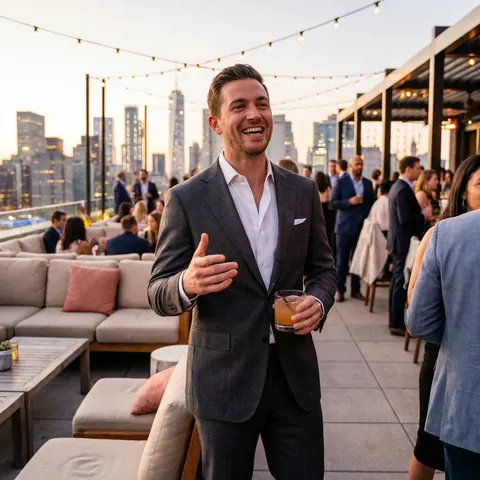
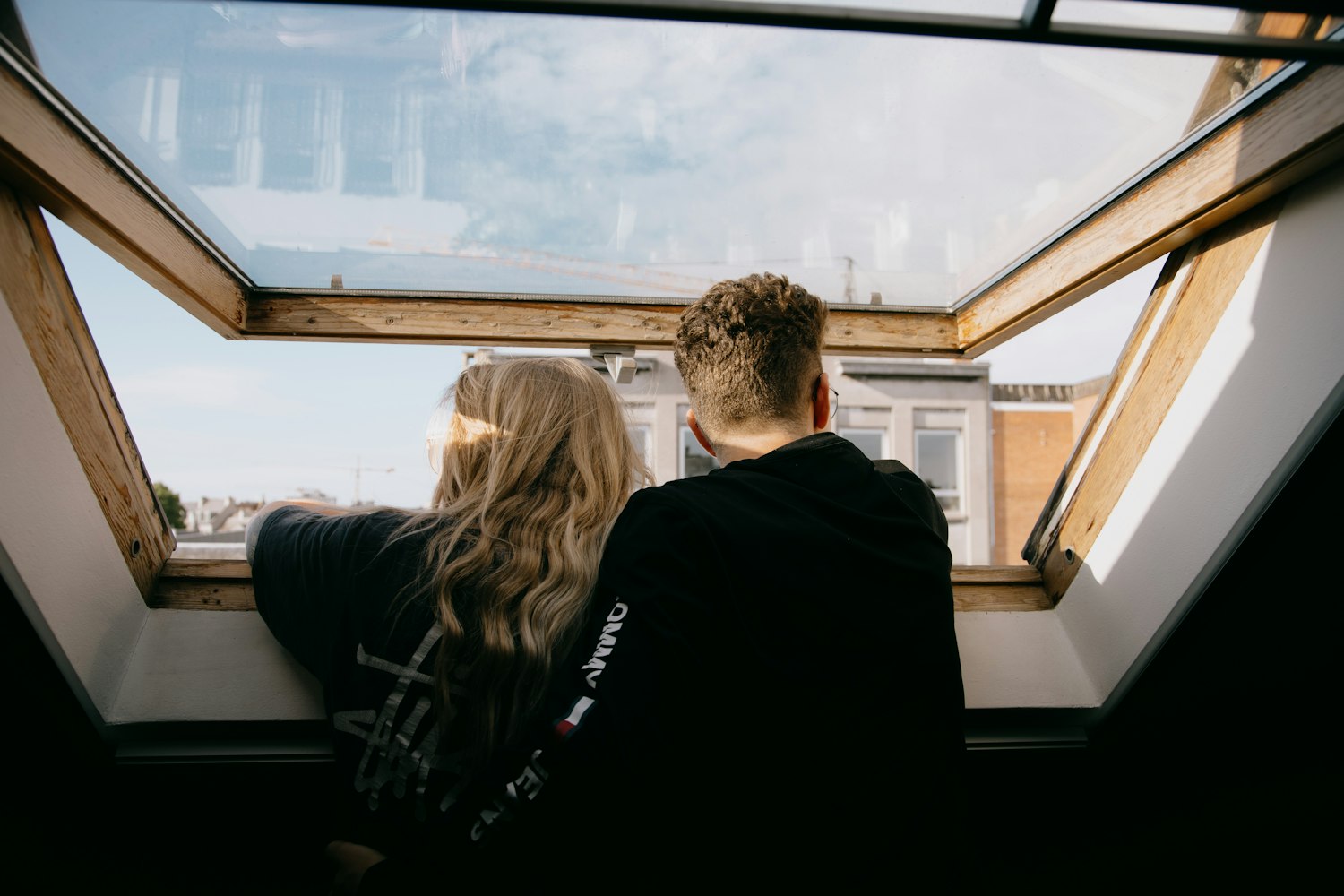
AI-generated portrait of a smiling man in a tuxedo holding a champagne glass at a formal receptionAI-generated portrait of a man in a coat walking along a city streetAI-generated portrait of a smiling man in a suit on a rooftop terraceAI-generated portrait of a man in a navy jacket at an outdoor gathering
  • ✓ Stand out at first glance
  • ✓ Show your best side
  • ✓ Skip the photoshoot

Prefer to start later? Get a 10% discount by email.