Dating Tips

Hinge Photo Guide: Requirements, Number of Photos & Checklist

Updated September 23, 2026 · 8 min read

By MatchPhotos Editorial Team

Hinge requires four to six photos, depending on local requirements, plus three prompt answers. Follow the requirement shown in your app. Start with a clear solo portrait, then add photos that show different parts of your life.

Hinge Photo Guide: Requirements, Number of Photos & Checklist

How many photos do you need for Hinge?

Hinge’s profile guide specifies four to six photos depending on local requirements, alongside three prompt answers. Six is a useful lineup to prepare, but it is not a universal minimum for every account. The earlier version of this guide incorrectly suggested that three photos were enough.

Check your profile editor before choosing your final set. If it asks you to fill additional slots, complete them with distinct pictures rather than repeating the same selfie. There is no evidence here that filling a slot by itself earns an algorithmic ranking bonus.

Prepare your photos before uploading

Use the original image from your camera when possible. Screenshots, repeated messaging-app downloads and tight crops can make a sharp photo look soft. Keep your face away from the edge so it remains visible when the app crops the image.

This is a practical preparation checklist, not an official pixel-size specification:

  • View the photo at phone size. Can someone identify your face immediately?
  • Check that your eyes and face are in focus and not hidden behind sunglasses.
  • Leave some space around your head and shoulders for cropping.
  • Remove duplicate images and old photos that no longer reflect your appearance.
  • Preview each upload inside Hinge before saving. The in-app crop is what matters.

If an upload fails, first try another original photo and a stable connection. Record the error and app version before contacting Hinge support. Do not repeatedly compress every photo before you know whether file size is the problem.

Build a lineup with a job for each photo

Photo What it should communicate Simple way to take it
First portrait What you look like now Ask a friend to take a head-and-shoulders photo in open shade
Full-body photo Your everyday style Stand naturally in an uncluttered setting
Hobby or activity Something you actually enjoy Capture a real moment while cooking, walking or making something
Social or personal moment More context about your life Choose one clear photo where you are easy to identify
Additional slots, if required Something the other pictures do not show Add a different setting or recent occasion, not another copy of your first pose

For a more detailed example lineup, see the best Hinge photos for men. That guide focuses on which pictures to choose; this page covers requirements and preparation.

The 6-slot lineup strategy

If your account allows up to six photos, it helps to give each slot a distinct job rather than uploading six similar shots. This is a practical way to organize a full lineup, not an official Hinge requirement.

  1. Headshot. A clear, well-lit shot of your face, taken near a window or in open shade. This usually works best as your first photo since it answers the most basic question: what do you look like.
  2. Full-body photo. Shows your build and how you carry yourself. Ask a friend to take it or use a timer rather than a mirror selfie, which tends to read as low effort.
  3. In action. A real moment doing something you actually do: cooking, climbing, playing an instrument. Mid-activity reads as more genuine than posed before-or-after shots, and it gives someone a specific detail to comment on.
  4. Social proof. One photo with friends where you are clearly identifiable. Skip this slot if every group photo you have makes you hard to spot.
  5. Travel or a specific moment. A photo that captures something happening, not a landmark you are standing in front of. "Laughing at a market stall" gives someone an opening to ask "where was that"; a posed tourist shot usually does not.
  6. Wildcard. Something that shows a specific, genuine interest: a hobby, a pet, a niche collection. This is the slot most likely to spark an actual comment instead of a generic like.

Order matters as much as content. Lead with the headshot so there is no doubt about who you are, then alternate between a closer photo and a wider one so the set does not feel repetitive. Put your prompt answers next to the photo they relate to when you can: a prompt about your favorite weekend activity reads better sitting beside the action shot than buried at the end of the profile.
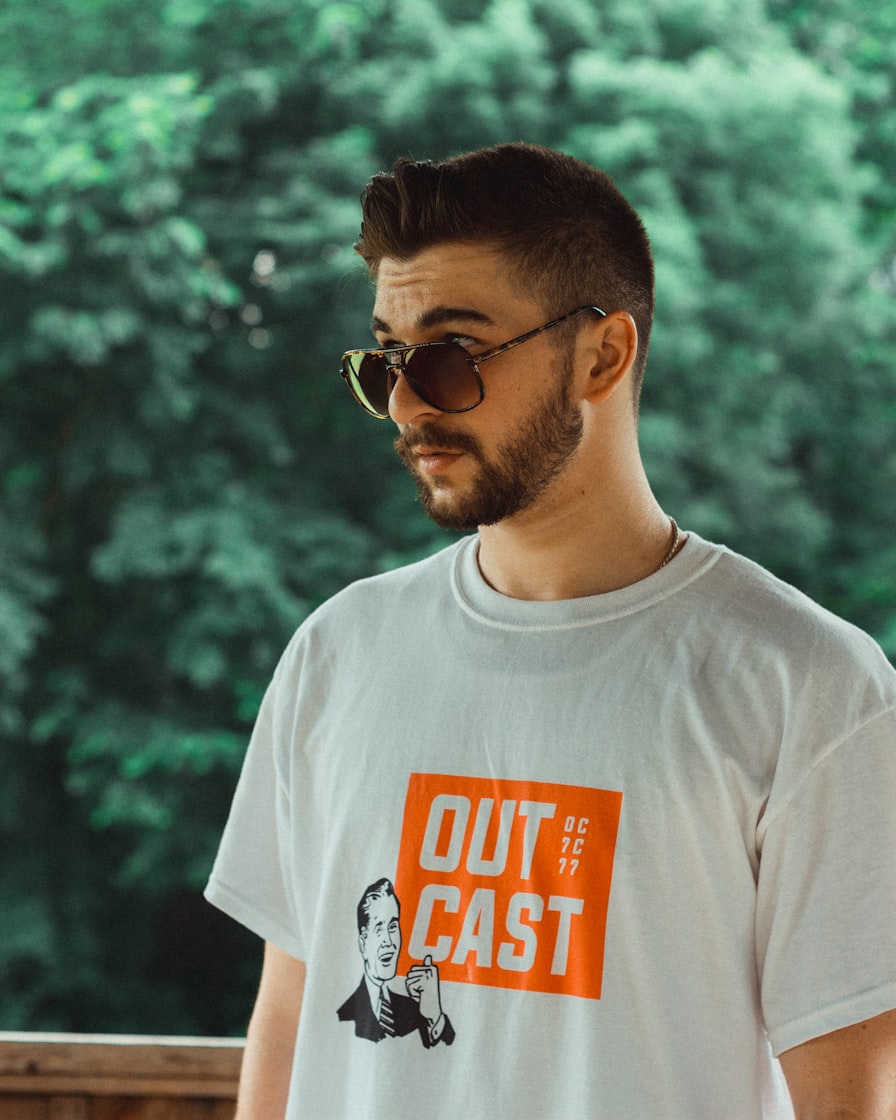
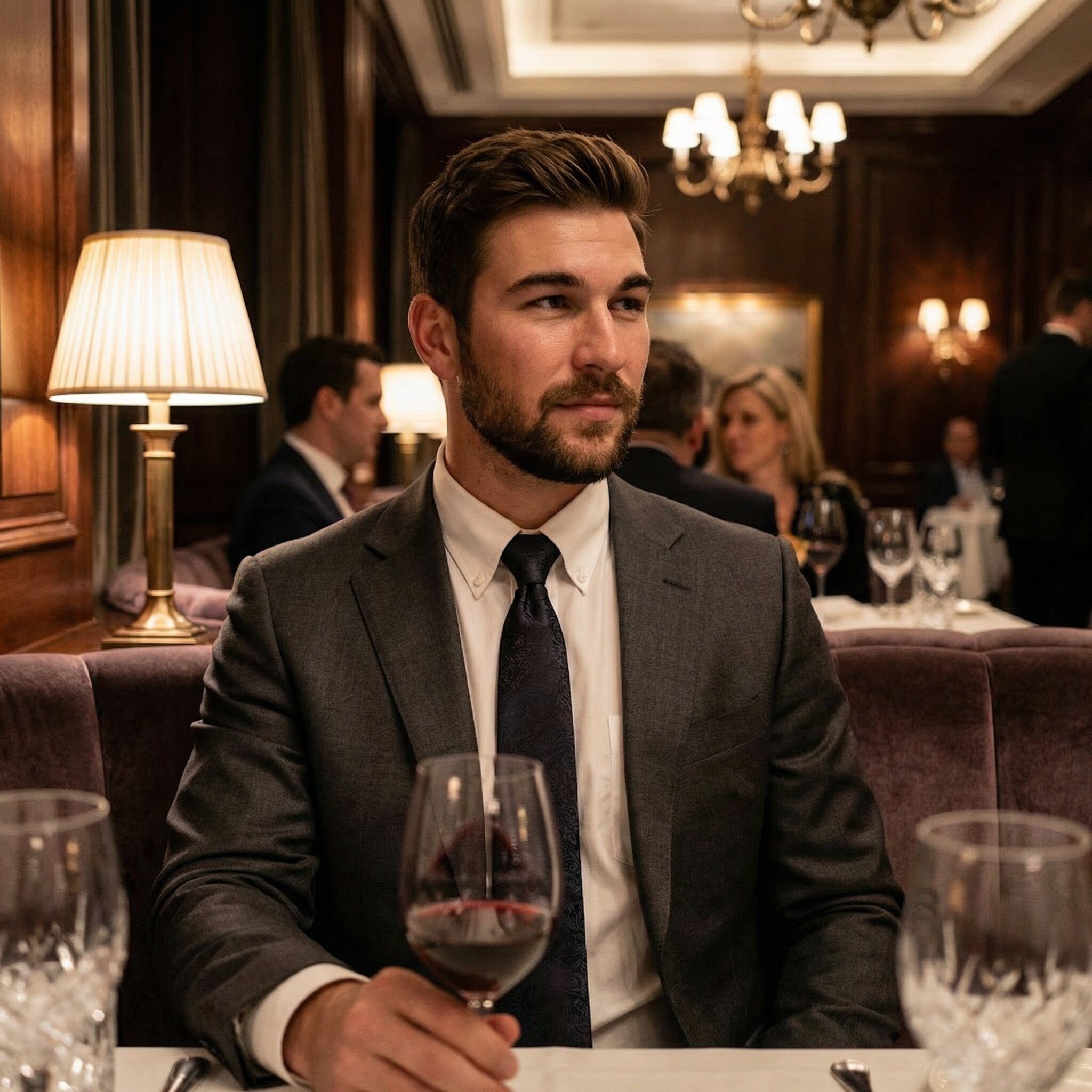
Pairing photos with prompts also gives you a natural way to check for variety. If two photos would prompt the exact same conversation starter, one of them is not adding anything. Swap it for something that shows a different side of you, even if the original photo is technically a good picture.

If you only have four or five solid photos, drop the weakest slot rather than filling it with a repeat of an earlier shot. A shorter, stronger lineup beats a padded one.

If you are missing a slot entirely, for example you have no clear travel or hobby shot, AI-generated Hinge photos can fill that specific gap while you keep your existing photos for the rest of the lineup. Review any result for likeness before using it.

Common mistakes on Hinge

Group photos used as the main image. If your first photo is a group shot, people have to guess which person you are before they can decide whether to like the photo. Save group photos for a later slot, and keep it to one or two in the whole set.

Cluttered backgrounds. An unmade bed, a messy desk or busy signage pulls attention away from you. A plain wall or an outdoor setting with a blurred background keeps the focus where it should be.

Harsh or inconsistent lighting. Direct overhead light and on-camera flash tend to look worse than natural daylight. If your photos were taken in very different lighting conditions, the set can look disjointed even if each photo is fine on its own.

Posed-only photos. A lineup of six similar posed shots gives a viewer nothing new to react to after the first one. Mixing in at least one real, mid-activity moment gives people something specific to ask about.

Match your pictures to your prompts

Give someone a detail they can ask about. A real cooking photo pairs naturally with a prompt about your favorite meal; a picture from a walk can lead to a conversation about a local trail. You do not need an expensive trip or a dramatic activity.

Try our Hinge bio generator if you need a first draft of a prompt answer. Edit it so it sounds like you and describes something true.

Put your new photo ideas into practice

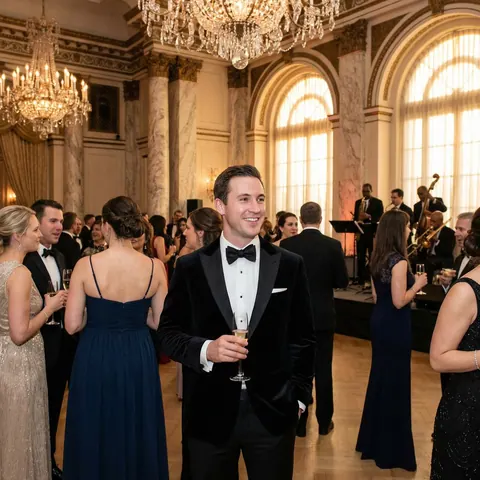
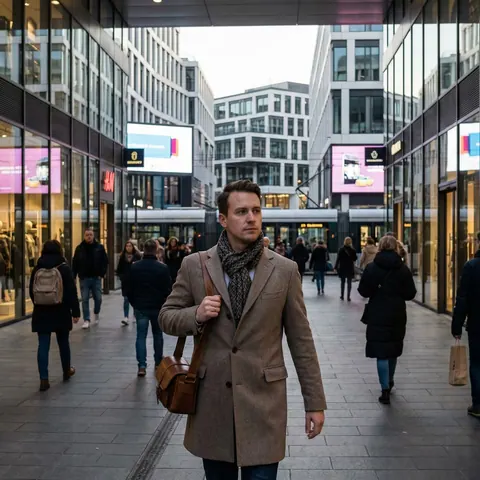
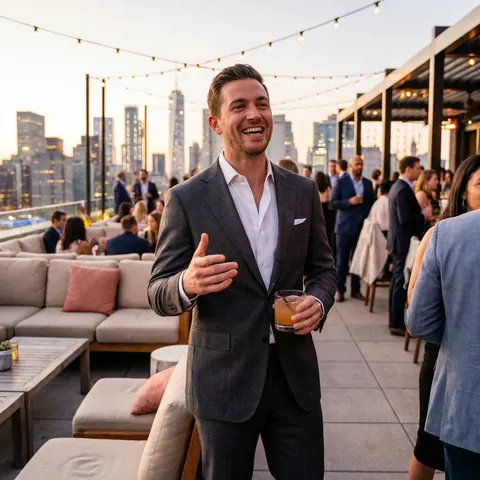
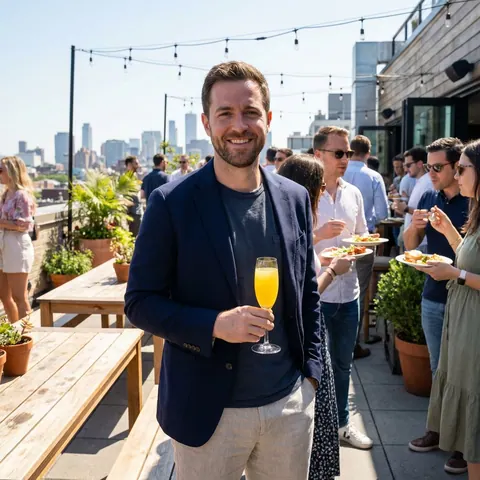
Turn everyday selfies into a choice of AI portraits. Explore casual, outdoor and dressed-up looks, then pick the ones that feel like you. Start with the examples and find your next profile photo.

Before
Before
After
After

Your Own Gallery of AI Photos

Explore a gallery of dating photo options. The number of images depends on the model you choose.

State-of-the-Art AI Model

Powered by AI models based on FLUX and Nano Banana Pro, our system generates lifelike photos with stunning accuracy.

Variety of Styles & Outfits

Get photos in multiple outfits, styles, and locations to showcase your best self.

Quick Turnaround Time

Your gallery is typically ready in about an hour.

Can AI photos be part of a Hinge profile?

MatchPhotos creates AI photo options for Hinge, which you can compare with your existing pictures. Inspect the face, body, hands and background before using any result. Keep real photos of your activities and avoid presenting a generated setting as proof of an experience you never had.

AI generation does not guarantee acceptance by Hinge, successful verification or more matches. Follow the app’s current rules and use real, unaltered material for any verification request.

Final checklist

  1. Meet the photo requirement displayed in your account.
  2. Make the first photo a clear, recent solo picture.
  3. Give each additional image a different purpose.
  4. Check cropping and clarity in the profile preview.
  5. Complete your prompts and remove contradictions between the pictures and text.

Do you always need six photos?

Not everywhere: Hinge’s current help page gives a range of four to six based on local requirements. Use the instruction in your own profile editor.

What if I do not have enough good photos?

Start with a short phone-camera session: one portrait, one full-body shot and one genuine activity. Change the setting rather than applying different filters to the same image. Ask a friend to help and review the results before taking more.

What size should Hinge photos be?

Keep a clear original and check the crop in the app. The official profile guide linked above does not establish a single pixel dimension, so we do not present an unofficial size as a requirement.

Trying to like someone else’s photo?

Preparing your own pictures is different from sending a Like. Follow our step-by-step guide to liking a Hinge photo if you are looking for the heart control or a comment example.

Choosing your next photo step

Inspect realistic AI dating photos before choosing images. Check dating-app rules before using generated photos. You can also follow the worked photo-selection example before deciding.

Boost Your Matches Now!

Tired of getting ignored on dating apps? Sign up and receive a 10% discount code to get stunning AI-generated photos that can boost your chances of attracting more matches.

Before
Before
After
After