Dating Tips

Hinge Photo Prompts: Examples That Match Your Pictures

Published November 5, 2026 · 8 min read

By MatchPhotos Editorial Team · Facts checked November 5, 2026

Hinge Photo Prompts are optional questions or statements paired with a photo instead of a written answer. Choose one that fits a real detail in your picture and makes it easy to ask about. The example comments below are conversation ideas, not text to enter as Photo Prompts.

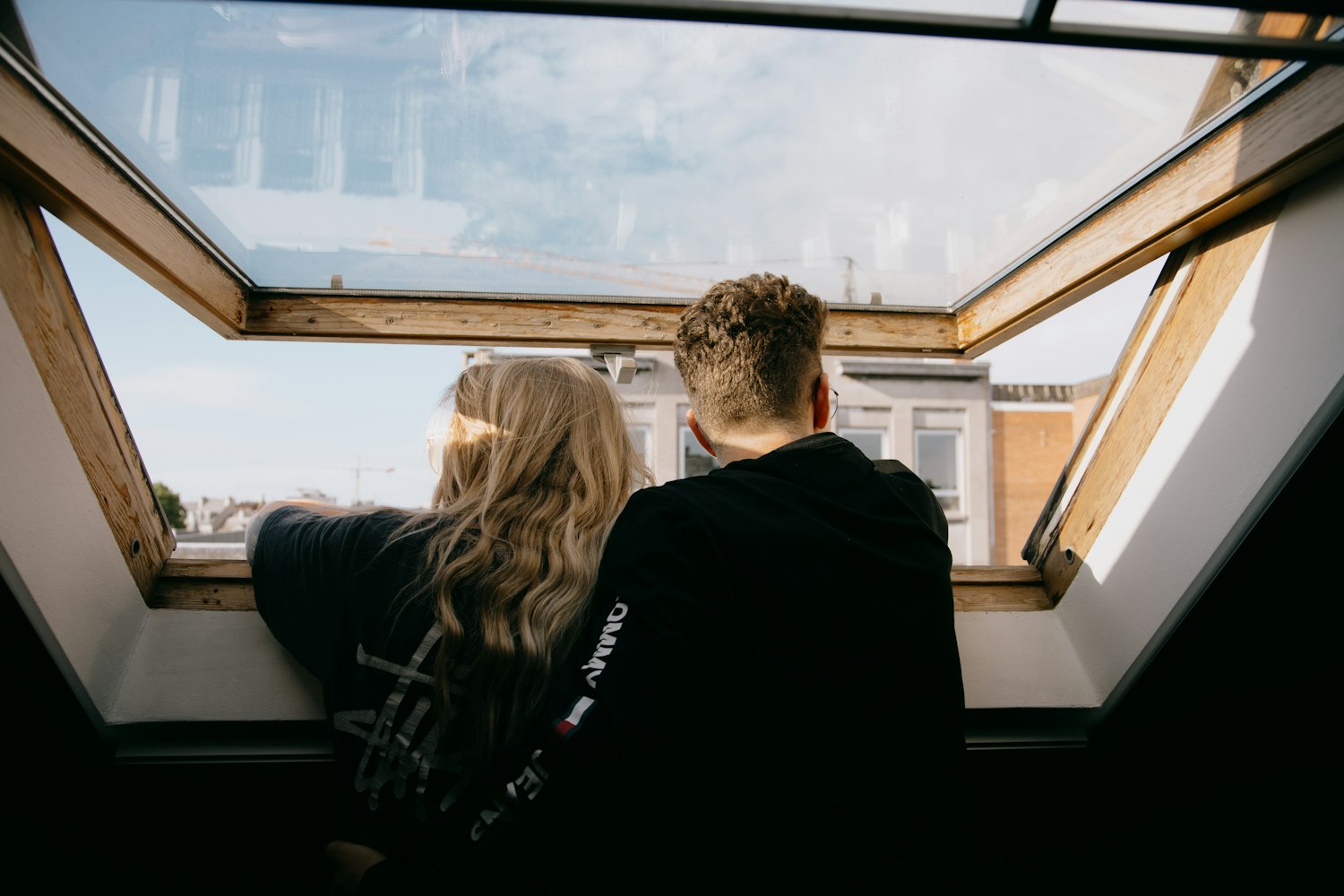
Two people seen from behind looking out of an open roof window

Availability note: Hinge confirms how Photo Prompts work but does not list every label in its Help Center. The three labels below are documented in independent sources. Check your own photo's prompt menu and use these pairings only if the corresponding label is available.

A useful Hinge Photo Prompt helps someone notice a detail worth asking about.

The twelve scenes below are fictional teaching examples, with original comments written for this guide. They illustrate how to connect a prompt to something visible. They are not tested profiles, customer results or promises of replies.

Photo Prompts vs written prompts

According to Hinge's prompt-editing guide, a Photo Prompt pairs a prompt with an image. The photo supplies the answer. A regular written prompt takes a text response instead. Photo Prompts are optional.

That distinction matters when copying ideas. A suggested comment in this article is something another person might say to start a conversation.

For written answers, see our funny Hinge prompts guide. The Hinge bio generator can provide a starting point for profile text; edit it to reflect your own life. It does not select Photo Prompts or analyse your pictures.

How to add a Photo Prompt on Hinge

Open your profile and enter editing mode using the pencil control. Select a photo, choose Select a Prompt, then pick an option from the menu that suits the image.

After adding one, view the combination together. Make sure the crop still includes the detail the prompt draws attention to. If no available option fits, leave the photo without a prompt rather than forcing a connection.

Everyday scenes: prompt “My life behind the scenes”

All three labels appear in Eddie Hernandez’s photo-prompt list. VIDA Select’s guide also documents “My life behind the scenes” and “My weekends look like” alongside profile examples. These sources document the wording; they do not guarantee what appears in your current app menu. The next four examples show pairings for the everyday-life prompt.

1. Making your morning coffee

Photo: You are pouring coffee into a favourite chipped mug, with your face visible. The mug gives an otherwise ordinary routine a personal detail.

Why the pairing fits: A behind-the-scenes frame can show a small part of everyday life without pretending it is an achievement.

Possible comment: “That mug looks like it has survived a few moves. What's its story?”

Skip this pairing if: The only visible detail is a takeaway cup logo, leaving little personal context.

2. Cooking a meal you actually make

Photo: You are shaping dumplings, with an uneven first batch beside you. The process matters more than a perfectly styled plate.

Why the pairing fits: It reveals something you do, including a detail that invites curiosity rather than admiration alone.

Possible comment: “Are those a family recipe or a new experiment?”

Skip this pairing if: You only posed in someone else's kitchen and would need to invent the cooking story.

3. Choosing your next book

Photo: You are browsing a shelf, holding a book whose title remains readable in the crop.

Why the pairing fits: A specific choice makes a quieter interest visible.

Possible comment: “What made you pick that one: the story or the cover?”

Skip this pairing if: You chose a prop book you have no interest in discussing.

4. Practising an instrument

Photo: You are seated with your instrument and a marked-up piece of music.

Why the pairing fits: Practice is a believable glimpse of a hobby, without implying professional talent.

Possible comment: “What's the song you're determined to learn?”

Skip this pairing if: The instrument belongs to someone else and the picture implies a hobby you do not have.

Free-time scenes: prompt “My weekends look like”

The next five photos pair with this weekend prompt. Use it only when the activity actually reflects how you spend free time; an exceptional event should not become a claim about your weekly routine.

5. Learning pottery

Photo: You are at a pottery wheel with a visibly imperfect bowl in progress.

Why the pairing fits: The scene shows how you spend time and gives a beginner something to talk about without posing as an expert.

Possible comment: “What was that bowl originally meant to be?”

Skip this pairing if: It was a one-off class and presenting it as your usual weekend would be misleading.

6. Playing a recreational sport

Photo: A clear shot between points shows you holding a racket on a local court.

Why the pairing fits: The recognisable setting gives context without requiring an action shot that hides your face.

Possible comment: “Did you learn recently or have you been playing for years?”
Same you. Better photos.

Your camera roll doesn’t have to limit your dating profile. Turn everyday selfies into a gallery of AI photos in different outfits and settings, then choose the ones you actually want to use.

Before
Before
After
After
Upgrade my photos

Skip this pairing if: You are one of several distant people and viewers cannot tell which person is you.

7. Hosting a board-game afternoon

Photo: You are easy to identify beside a game in progress, with a distinctive board visible.

Why the pairing fits: Someone can ask about the game or the kind of gathering you enjoy.

Possible comment: “Is that a friendly game or the one that causes family arguments?”

Skip this pairing if: Other people's faces dominate or they are uncomfortable with the picture being used.

8. Walking with a dog

Photo: You and the dog are both visible on an ordinary walk, perhaps while it examines an enormous stick.

Why the pairing fits: The small incident offers a more specific subject than simply liking dogs.

Possible comment: “Does that stick actually make it home?”

Skip this pairing if: The wording would imply you own the dog when you were only briefly posing with it.

9. Visiting a local market

Photo: You are choosing between two pastries at a stall, with enough of the scene visible to understand the choice.

Why the pairing fits: It connects a familiar outing with a preference someone can ask about.

Possible comment: “Which pastry won, and would you choose it again?”

Skip this pairing if: A generic crowd shot hides you and the detail the question depends on.

Story-led scenes: prompt “Caption this photo”

These three pairings use the caption prompt to invite a response about something visible. The suggested comments remain messages from a potential match, not replacement labels for the app's menu.

10. A real day trip

Photo: You are wrestling with a folded paper map on a trip you actually took.

Why the pairing fits: The visible situation invites a light comment without making someone identify a remote location.

Possible comment: “Was this before or after you decided the map was upside down?”

Skip this pairing if: The backdrop was generated and using it would imply a journey that never happened.

11. Looking at a museum exhibit

Photo: Your puzzled expression is visible beside an unusual exhibit, photographed where pictures are allowed.

Why the pairing fits: The expression and object give someone a shared visual joke, even without specialist knowledge.

Possible comment: “Is that the face of understanding the artwork or checking for an explanation?”

Skip this pairing if: The joke relies on mocking another visitor or an exhibit's sensitive subject.

12. A funny moment at an event

Photo: A gust of wind has flipped your umbrella while you laugh at an outdoor gathering.

Why the pairing fits: The humour is clear from the frame.

Possible comment: “Did the umbrella get a refund or a retirement party?”

Skip this pairing if: The humour depends on embarrassing someone else in the picture.

Choose a prompt for your own photo

Start with a real photo you already like. Name one visible detail, then look for an available prompt that makes that detail relevant. Read the pair as a stranger: could you ask something specific without knowing the backstory?

Check three things before saving: you remain identifiable, the wording describes something true and the crop preserves the conversation detail.

If you lack a clear portrait, MatchPhotos' Hinge photo options are one option to compare with taking a new real photo. Check the app's rules independently. A generated scene should not stand in for evidence of a trip, hobby or event that never happened.

When to skip a Photo Prompt

Leave it off when the available wording adds nothing, needs a long explanation or misrepresents the scene. A clear portrait can stand alone.

From the photo to a conversation

Imagine someone asks about the dumplings in your cooking picture. You explain that they were your first attempt; they share their own cooking mishap. Ask about that experience rather than immediately switching to an unrelated invitation.

If the exchange becomes mutual, a natural next step might be: “I've enjoyed comparing kitchen disasters. Want to try dumplings somewhere that knows what it's doing on Saturday?” Our guide to asking someone out on Hinge covers timing, invitations and respecting the answer.

Frequently asked questions

Are Hinge Photo Prompts required?

No. Hinge describes them as optional. Use one when it adds context to the photo.

Can I write my own Photo Prompt?

The documented flow uses a selection menu. Do not confuse its labels with a written prompt answer or a message to another person.

Where do I add a Photo Prompt?

Edit your profile, select a photo and look for Select a Prompt. Follow the choices shown in your account.

Will a Photo Prompt get me more replies?

There is no guarantee. These examples give someone a possible topic; interest and the choice to reply remain theirs.

Ready for more matches? Start with better photos.

Your photos make the first move. Give them a reason to swipe right with realistic AI photos made from your selfies. Pick your strongest shots and put a better profile out there.

AI-generated portrait of a smiling man in a tuxedo holding a champagne glass at a formal receptionAI-generated portrait of a man in a coat walking along a city streetAI-generated portrait of a smiling man in a suit on a rooftop terraceAI-generated portrait of a man in a navy jacket at an outdoor gathering
  • Feel confident about your profile
  • Attract more matches
  • Turn matches into real dates
Upgrade my photos

Prefer to start later? Get a 10% discount by email.