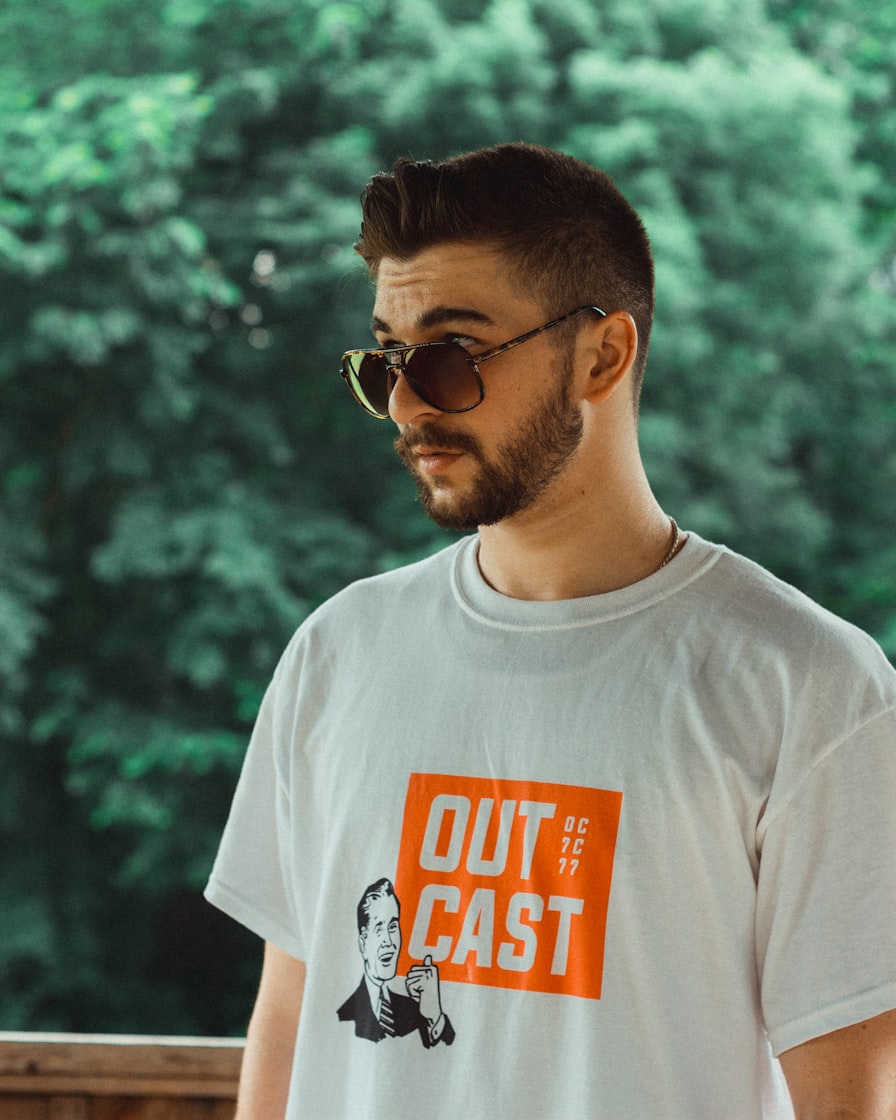
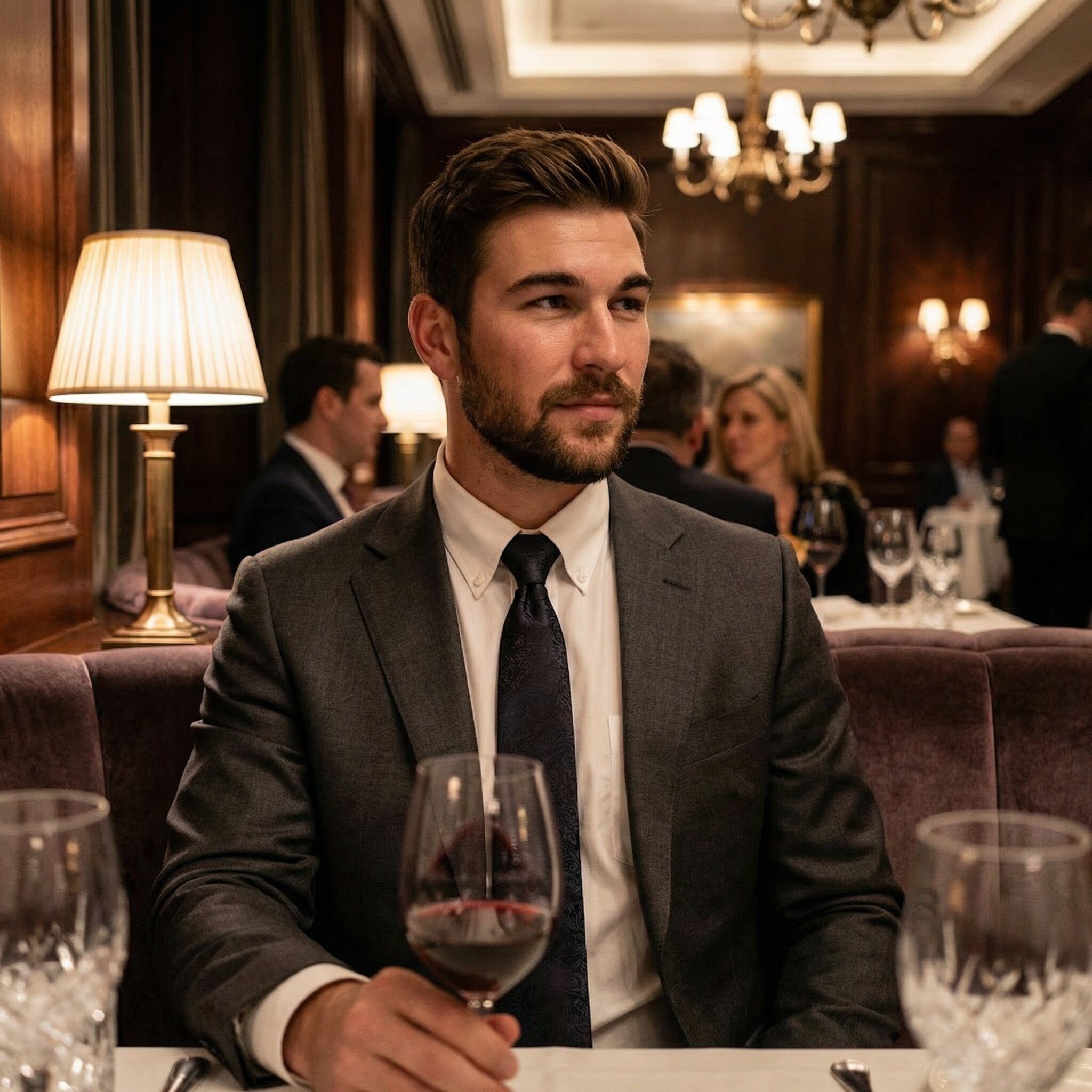
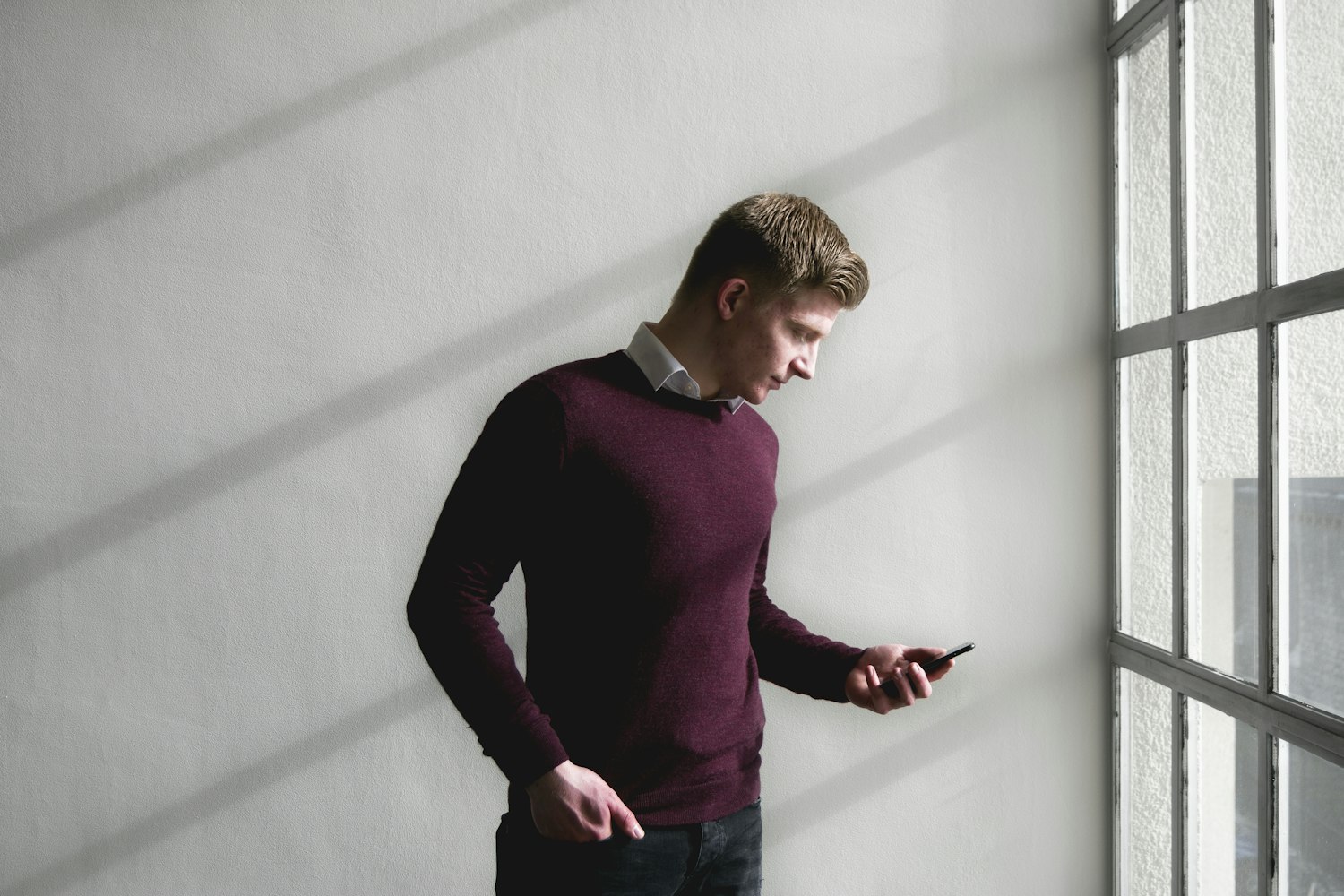
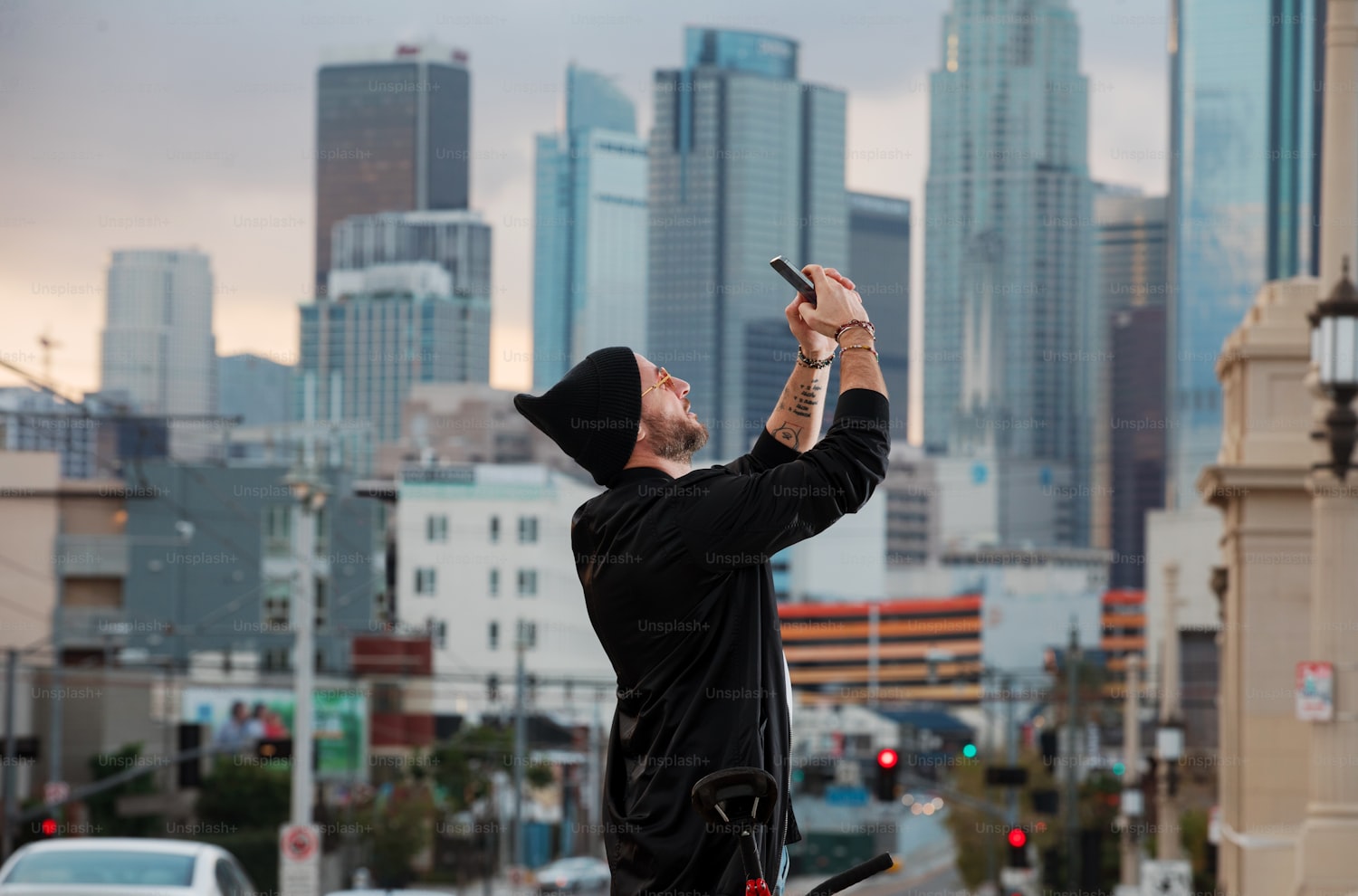
2. A sharper jaw and a different hairline
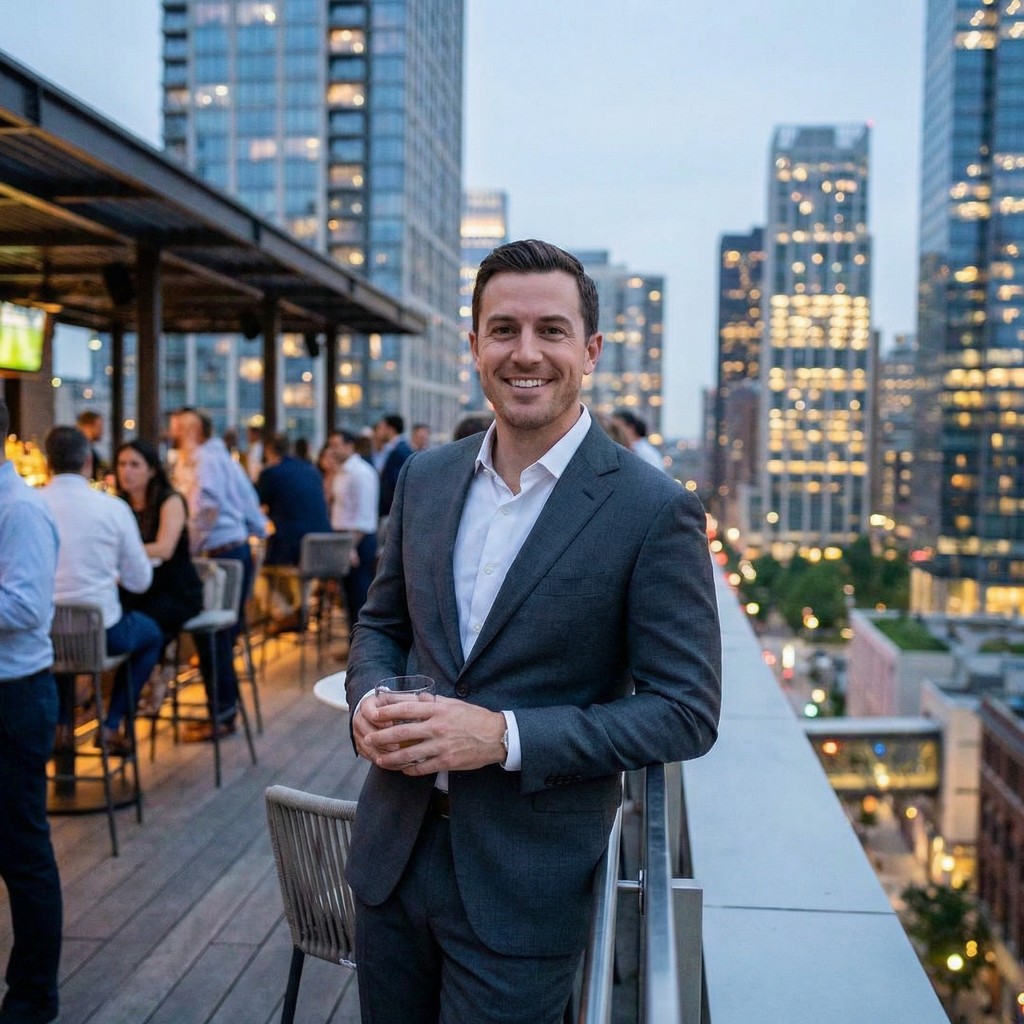
The portrait looks professionally photographed, but it narrows your face and fills in your temples. Decision: reject. The problem is lost likeness, even if every pixel looks plausible. Better lighting should not require presenting a substantially different face.
3. Fingers merged with a coffee cup
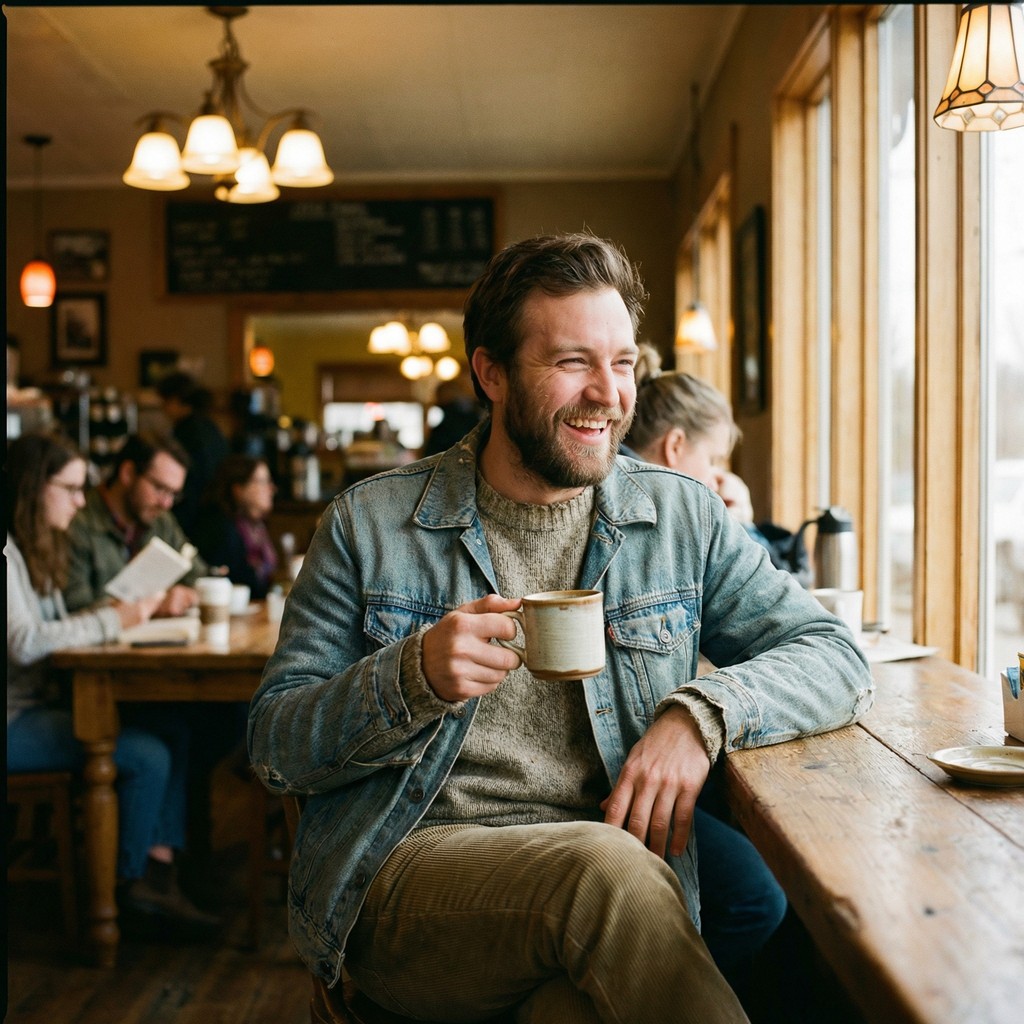
Your face looks right, but two fingers blend into the handle and the grip makes no physical sense. Decision: reject. Select another output rather than treating a small phone preview as a way to hide the defect.
4. A slightly dark but accurate image
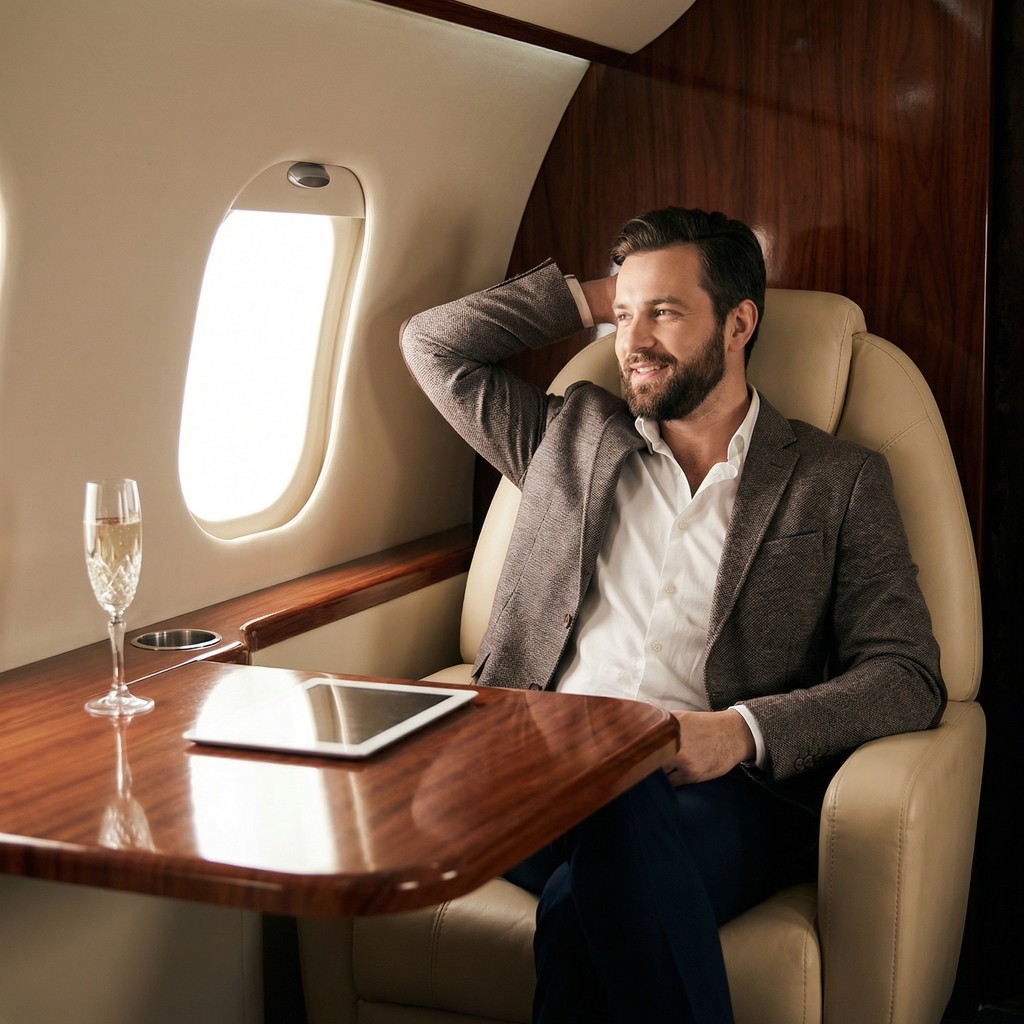
Your features and the scene remain coherent, but the exposure makes the face difficult to see. Decision: try a modest exposure adjustment and review again. Keep skin detail and normal color. If the edit changes features or requires reconstructing the face, choose another picture.
5. A convincing expedition that never happened
The image places you at a recognizable mountain summit with expedition equipment, although you have never made that trip. Decision: reject. Accurate anatomy cannot fix the false impression of an experience or achievement. A caption naming the expedition would reinforce the problem.
6. A fourth nearly identical portrait
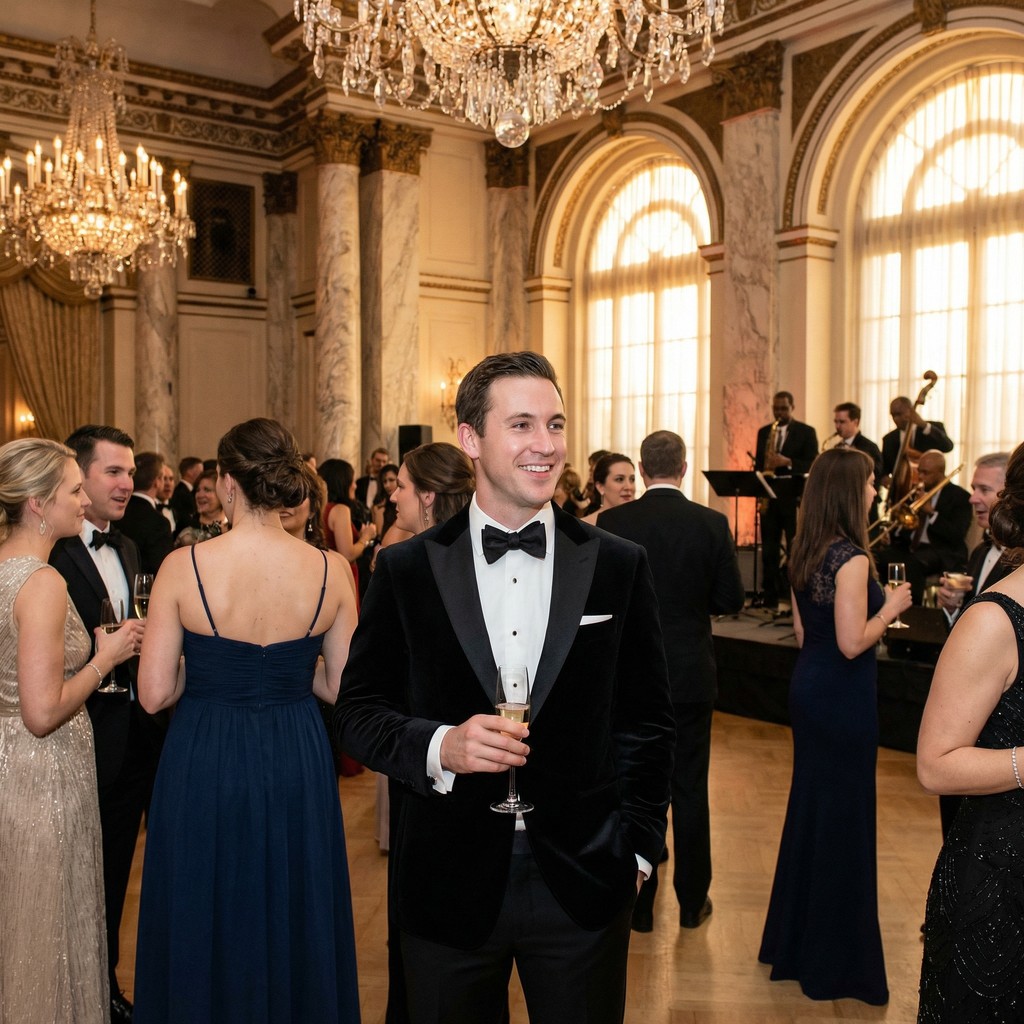
The image passes the likeness and quality checks but repeats the same framing and expression as three selected pictures. Decision: omit from this lineup. It may be a usable image, but it contributes little new information. This is a selection issue rather than an authenticity failure.
Choose source photos and a final lineup
Start with recent, unfiltered source photos that clearly show your current appearance. Follow the generator's actual upload requirements. Several angles, expressions and lighting conditions can document the same person without combining years of different hairstyles or body changes.
Avoid relying on sunglasses, beauty filters, group crops or repeated frames from one burst. These can conceal useful information. Good inputs do not guarantee a faithful result, so review every output individually.
Build the final set around distinct roles: a clear opener, a view of your overall appearance and context that reflects your real interests. Recent real photographs provide a useful reference for both you and anyone viewing the profile. There is no evidence supplied here for an ideal AI-to-real ratio or a guaranteed increase in matches.
What a vendor gallery can prove
A vendor gallery shows selected examples of style, framing and detail. It does not establish what every customer receives, how many outputs will be usable or how well the system will preserve your particular face.
Look at several subjects and larger images when available. A before-and-after pair is informative only when its labels and provenance are clear. Do not assume that an attractive example represents an average result. Apply the same scrutiny to MatchPhotos, which sells AI dating photos and publishes this guide.
Before buying, check the current source-photo requirements, package contents and refund conditions. Decide which missing image roles you need rather than treating the number of generated files as the number of pictures you will use.
Your next step
Review your current pictures first, identify what is missing, then view MatchPhotos examples and pricing using the same checklist. Examples are a starting point for evaluation, not a promise of likeness, acceptance or dating results.
Frequently asked questions
Can an AI photo look real but not look like me?
Yes. Technical realism and personal likeness are separate. Compare your current facial structure, age, hair and distinctive features with recent ordinary photos before assessing style.
Can I reliably tell whether a photo is AI-generated?
This checklist cannot establish how an image was made. It helps you notice quality and representation problems. Neither correct hands nor flawless lighting proves that a photograph is genuine.
Should I edit an almost-correct result?
A small crop or exposure correction can be reasonable. If identity, anatomy or context is wrong, choose another image instead of trying to rescue a misleading result.
How many generated photos should I use?
Only consider images that pass your review, serve different purposes and comply with the platform's current rules. There is no universal recommended number. Using recent real pictures throughout is also an option.
How MatchPhotos reviews products and selects examples.