Dating Tips

Can You Use AI Photos on Tinder, Hinge and Bumble?

Published October 15, 2026 · 8 min read

By MatchPhotos Editorial Team · Facts checked October 15, 2026

There is no blanket permission to use AI photos across dating apps. Hinge restricts automatically generated content without express authorization. Bumble prohibits generated or enhanced photos used to deceive. Tinder requires accurate representation and makes users responsible for their content. Realism, detection and photo verification are separate questions.

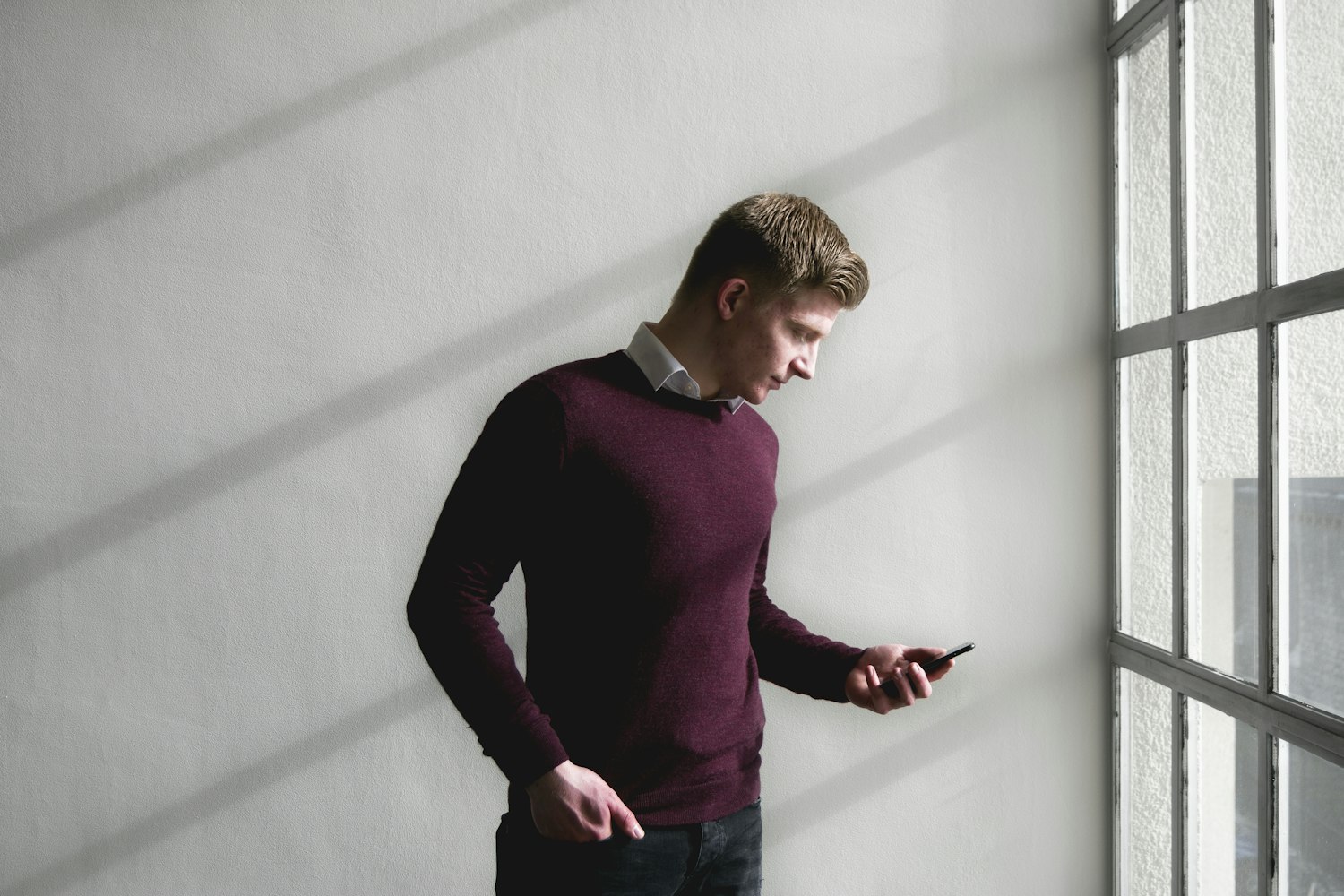
Man in a burgundy sweater looking at a smartphone beside a window

Can you use AI photos on dating apps? The answer depends on the app's current rules, the image and what it communicates. A recognizable face does not automatically make generated content acceptable, and an uploaded picture is not necessarily a picture the platform has approved.

This editorial guide separates published rules from our practical recommendations. We reviewed the linked sources on October 4, 2026. Check the versions that apply to your country and account before uploading, because policies and features can change. MatchPhotos sells AI dating photos and cannot decide how another service moderates them.

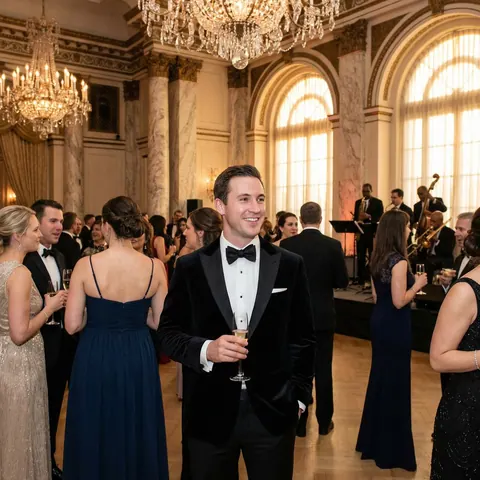
Before purchasing, separate two decisions: whether the app permits the content and whether the picture accurately represents you. The invented-context example illustrates the second decision only. It cannot answer the first. Check the official policy for your app and region, keep the source URL and review date, and use a real photo while permission is unclear. A convincing image or an editor’s recommendation cannot override platform rules.

Current rules at a glance

App What the source says Practical implication What it does not establish
Tinder Its guidelines require authentic representation; its terms keep users responsible for content, including AI features Review both accuracy and the applicable content rules Blanket approval of external photo generators
Hinge Section 2d.11 restricts automatically generated content without express authorization Likeness alone does not resolve permission An exception for realistic portraits
Bumble Its rules prohibit generated or enhanced photos used to deceive Assess whether the picture misrepresents you Guaranteed acceptance of a particular image

Sources: Tinder guidelines, Tinder terms, Hinge terms, Bumble inauthentic-profile rules.

Rules, detection and verification answer different questions

Rules define what a platform permits. An image can violate those rules even when it has no obvious visual flaws.

Detection concerns how a platform identifies generated or otherwise problematic content. A policy document is not a complete technical specification of moderation. Do not infer that a system detects every generated picture, or none of them, from the wording of a rule.

Photo verification checks specified signals about the person and their pictures. It is not an assurance that every depicted trip, possession or event happened. A verification failure also does not, by itself, identify AI as the cause.

Treat these as separate checks rather than a sequence of shortcuts. A convincing photo, a successful upload and a verification badge do not replace permission under the rules.

Tinder: truthful representation remains your responsibility

Tinder's Community Guidelines prohibit fake personas, impersonation and misleading information. Our practical recommendation is to assess what the entire profile communicates, including captions, rather than checking only whether the face resembles you.

Sections 3 and 3a of Tinder's Terms discuss AI technology that Tinder may offer and keep responsibility for content and accuracy with the user. This is relevant context, but it is not blanket authorization for every image made with an external generator. Follow the applicable terms and any instructions attached to the feature you use.

Tinder's Photo Verification documentation describes comparing a video selfie with profile photos using facial recognition. It also warns that the badge does not guarantee the authenticity of all information supplied by a user. Therefore, do not treat verification as certification of an image's setting or history.

Hinge: read the automatic-generation restriction

Section 2d.11 of Hinge's Terms includes automatically generated material in its prohibited-content rules unless expressly authorized. This is a general content restriction, not simply a test of whether a portrait looks deceptive.

Our editorial reading is that making a generated image more realistic does not establish an exception. Do not rely on a vendor describing its output as suitable for Hinge as evidence of authorization from Hinge itself. If the applicable guidance leaves your intended use unclear, choose a real photograph or seek clarification from official support.

Hinge's Selfie Verification guide describes liveness checks and comparison with profile photos. It also distinguishes optional verification from required Face Check in certain regions. Consult the current instructions for your account rather than assuming every market has the same process.

Bumble: examine both identity and deception

Bumble's Community Guidelines require at least one solo photo clearly showing your full face. They also disallow distortion that makes it unclear whether you are the person pictured.
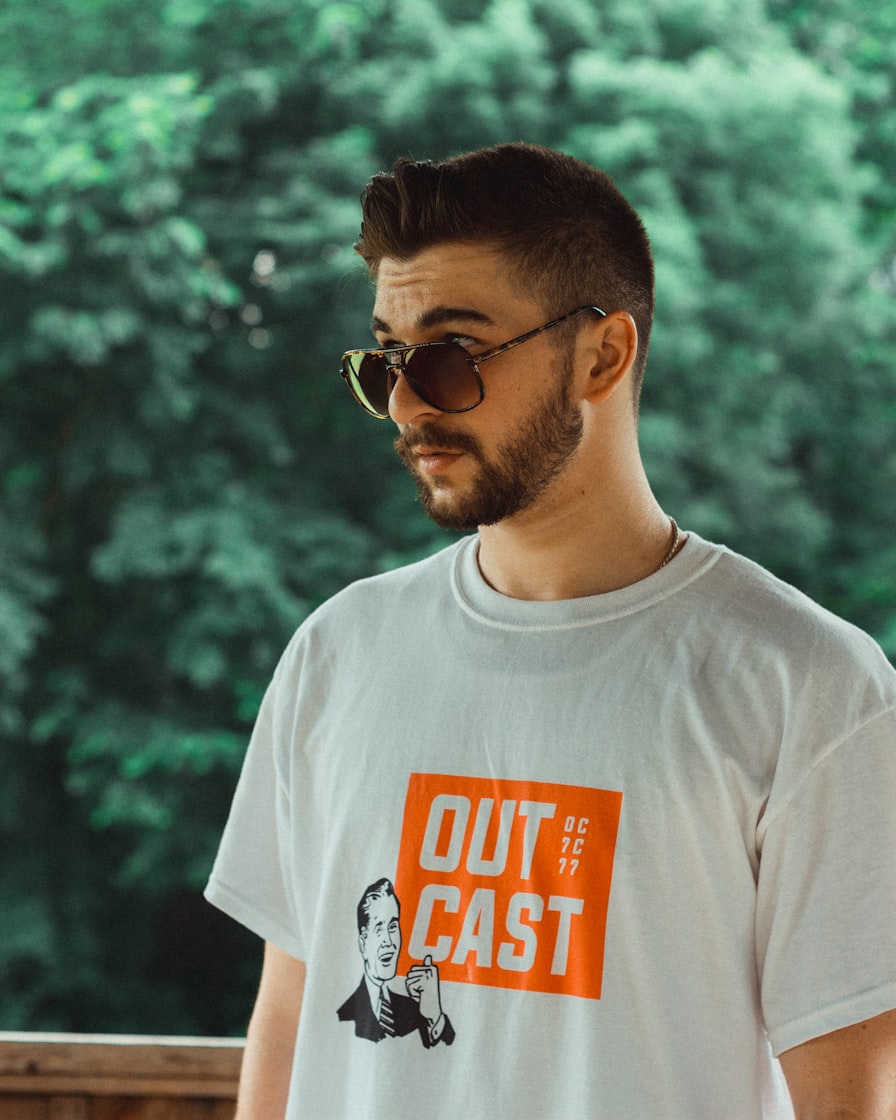
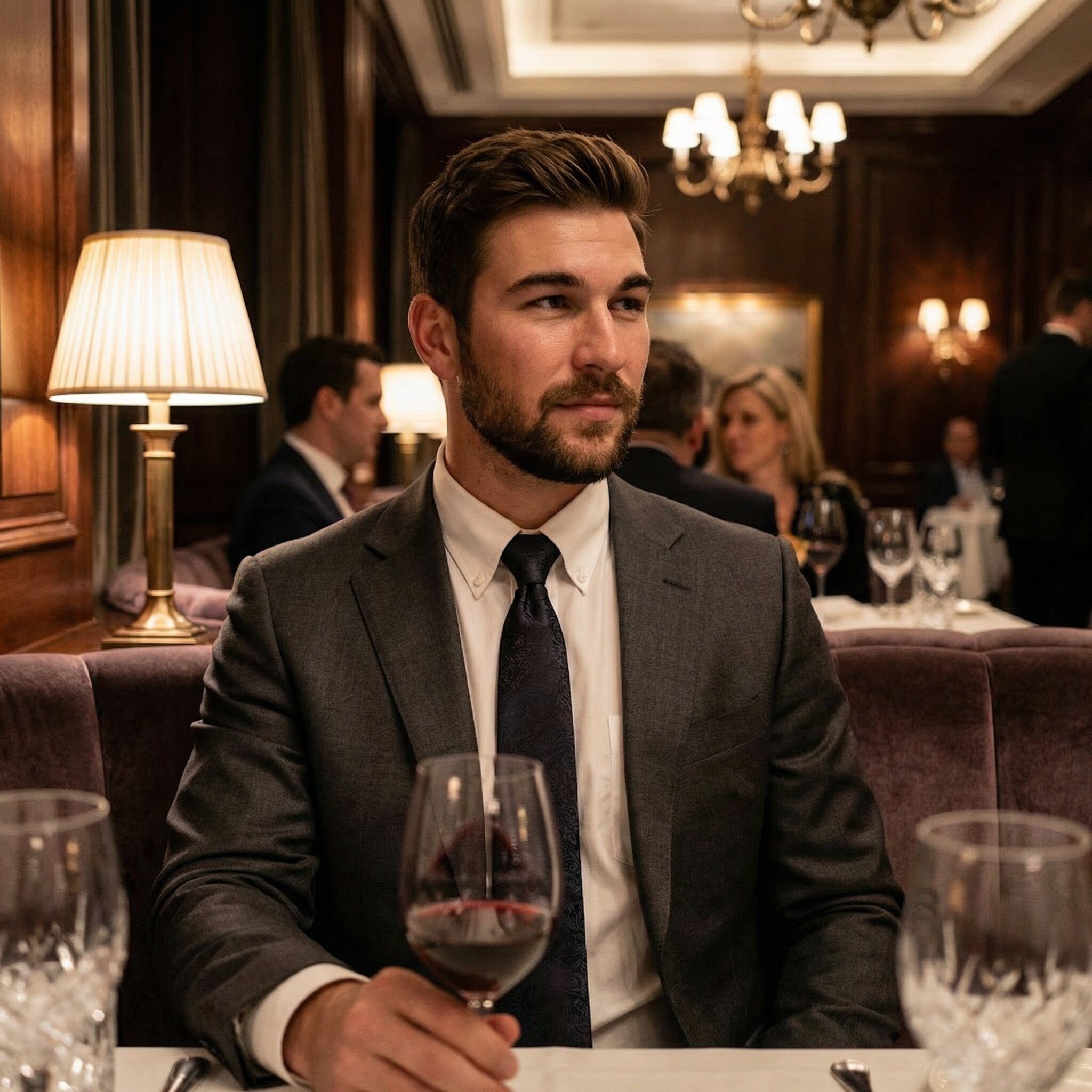
The more specific inauthentic-profile policy prohibits using artificially generated or enhanced images to deceive. Our recommendation is to inspect changes to age, body, identifying features and the context suggested by the picture. The wording does not guarantee acceptance simply because you believe an image is harmless.

Read the photo rules as well as the authenticity rules. Do not transfer a restriction from one application to another without checking its source, or assume that permission for ordinary editing covers every form of generation.

Editing and generation: three practical cases

These are hypothetical examples for making a decision, not moderation tests. None predicts whether a platform will accept a specific upload.

Case 1: correcting exposure in a real photograph

You brighten a dark image without reshaping the face or inventing details. Representation: the person and event remain the same. Rules: check the platform's photo requirements and any separate verification instructions. A technically modest edit is not a universal guarantee of acceptance.

Case 2: generating a portrait that preserves your likeness

A new portrait resembles your current appearance but depicts a scene that was never photographed. Representation: assess both the face and what the setting implies. Rules: consult the app's position on generated content independently of likeness. A realistic result does not settle a restriction such as Hinge's.

Case 3: changing apparent age or body shape

An edited or generated image makes you substantially younger or changes your build. Representation: reject it because it creates a mismatch with your current appearance. Rules: do not treat a lack of immediate removal as permission. Choose an accurate picture instead of testing how much alteration will pass.

A decision checklist before uploading

  1. Read the applicable policy. If your intended use conflicts with it, stop and select a real photograph. If it is unclear, seek official clarification rather than treating silence as approval.
  2. Check the person. Compare face, age, hair and body with recent real photos. Reject material changes to your identity or appearance.
  3. Check the implied story. Remove pictures suggesting an experience, location or possession that would materially mislead someone, especially when reinforced by a caption.
  4. Inspect image quality. Review anatomy, object contact, clothing and background details at full size, then check the intended crop.
  5. Follow official verification instructions. Use the app's process and support resources. A generator cannot supply permission or guarantee verification.

If a picture fails one of these checks, a truthful real photo is a straightforward alternative. Our dating profile pictures guide offers broader ideas for choosing a lineup; those ideas do not override app policies.

What MatchPhotos can and cannot promise

MatchPhotos provides generated photo options for you to review. It does not control moderation, verification or policy changes on Tinder, Hinge or Bumble. There is no promised acceptance rate or assurance against account restrictions in this guide.

Only after checking whether your intended use is permitted should you review MatchPhotos examples and pricing. Evaluate the examples critically and keep the distinction between a vendor's product claims and a dating app's permission.

Put your new photo ideas into practice

Turn everyday selfies into a choice of AI portraits. Explore casual, outdoor and dressed-up looks, then pick the ones that feel like you. Start with the examples and find your next profile photo.

Before
Before
After
After

Your Own Gallery of AI Photos

Explore a gallery of dating photo options. The number of images depends on the model you choose.

State-of-the-Art AI Model

Powered by AI models based on FLUX and Nano Banana Pro, our system generates lifelike photos with stunning accuracy.

Variety of Styles & Outfits

Get photos in multiple outfits, styles, and locations to showcase your best self.

Quick Turnaround Time

Your gallery is typically ready in about an hour.

Frequently asked questions

Does Hinge detect AI photos?

The official pages linked here do not establish the coverage or accuracy of a dedicated AI-photo detector. Hinge documents verification mechanisms, but these do not answer every question about moderation. Missing technical detail is not proof that detection is absent.

Does Bumble ban every edited photo?

The cited guidance addresses unclear identity and deceptive uses of generated or enhanced images. It does not justify a claim that all edits are banned or that every subtle edit is accepted.

Will a realistic photo pass verification?

No generator can guarantee that. Follow current app instructions, which may involve a live selfie and requirements separate from ordinary profile presentation. If verification fails, use official support rather than guessing the cause.

Does disclosing AI use make the photo acceptable?

Disclosure may clarify how an image was made, but it does not override a platform's terms. Resolve permission first, and do not use a disclosure as an excuse for changing your identity or inventing important facts about your life.

How MatchPhotos reviews products and selects examples.

Boost Your Matches Now!

Tired of getting ignored on dating apps? Sign up and receive a 10% discount code to get stunning AI-generated photos that can boost your chances of attracting more matches.

Before
Before
After
After