Dating Tips

How to Choose Dating Profile Photos: Pick Your First Photo

Published November 9, 2026 · 7 min read

By MatchPhotos Editorial Team · Facts checked November 9, 2026

Choose a recent solo photo that makes you easy to recognize, check the actual app crop, then compare it with one other credible candidate. Use feedback to spot distractions and misleading details. A higher rating or a better week of matches does not prove one photo will work best for everyone.

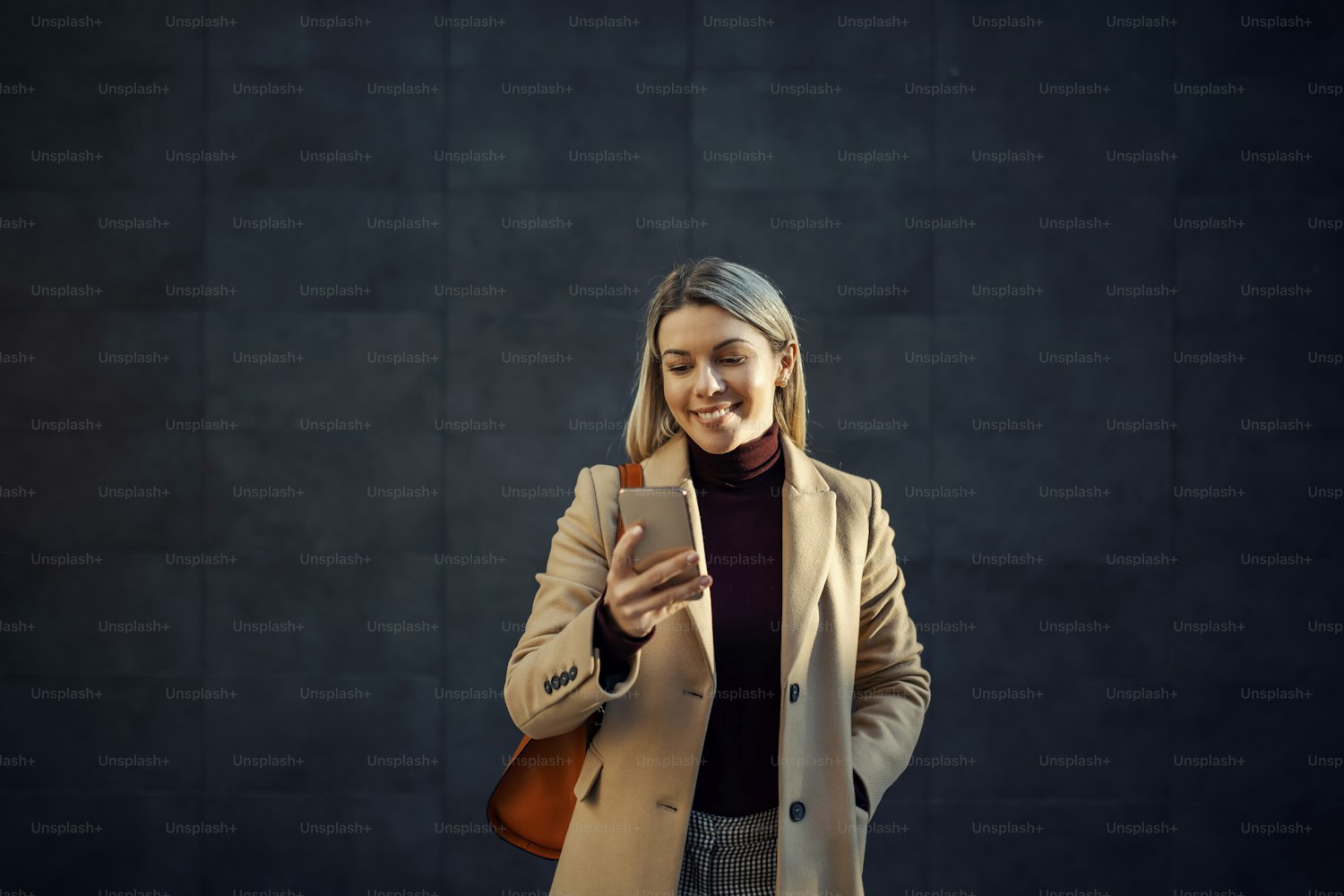
Smiling woman in a beige coat looking at a smartphone against a dark wall

To choose dating profile photos, start with a recent solo portrait that clearly shows your face and still looks like you. Check how it appears in the app's actual crop, then compare it with one other suitable candidate. Keep the rest of your set in view: your opener introduces you, while later pictures can show your interests and everyday life. You do not need a numerical attractiveness score or a new photo purchase to make that first decision.

This guide focuses on choosing from photos you already have. For taking new pictures, use our dating photography guide.

Remove unsuitable photos before comparing

Reject pictures that no longer represent your appearance, hide your face, become heavily blurred at the intended crop or rely on misleading edits. A sharp image is still unsuitable if someone meeting you would reasonably expect a different person.

A group photo or distant activity shot may have a place later in the set, but it makes a difficult introduction when viewers must work out who you are. Separate "not my opener" from "not usable anywhere."

For generated images, check likeness and credible context before collecting opinions. The AI photo realism checklist covers that separate review. Popularity cannot repair an inaccurate image.

Pick two credible first-photo candidates

Look for visible facial detail, a comfortable expression, current appearance and a crop that works on a small screen. Choose two meaningfully different candidates, rather than slight variations from the same burst. Neither needs an elaborate location or outfit.

The following four candidates are hypothetical editorial examples, not photographs we tested or ranked using dating results.

Candidate Decision Reason
Recent solo portrait in even light Shortlist as opener Face is clear and appearance is current
Group photo at a friend's celebration Consider later Adds context, but identification takes effort
Favourite portrait from before a major appearance change Remove Attractive presentation does not fix an outdated impression
Current hobby photo with a small face Consider later Shows a real interest, but introduces the activity before the person

These decisions concern each picture's role. They do not infer personality, trustworthiness or compatibility from appearance.

Compare at the crop people will see

Open the app's photo editor and profile preview. Inspect the actual crop rather than assuming that the full camera-roll image is what others see. Check that your face remains readable, your head is not awkwardly cut off and background objects do not dominate.

Review both candidates on the same phone at a comparable display size. Avoid enlarging one while judging the other as a thumbnail. The existing opening-photo exercise can help with side-by-side comparison, but the app preview remains the final crop check.

Use this blank comparison card. Write short descriptions, not points to add into a score.

Check Candidate A Candidate B
Recognizability Who would a viewer identify? Who would a viewer identify?
Current appearance Any outdated details? Any outdated details?
Phone crop Face clear; distractions? Face clear; distractions?
Fit with the set What does this repeat? What does this repeat?

If one candidate fails an essential check, fix or replace it. Do not average that failure away because its background looks impressive.

Ask for useful feedback

Show both candidates without announcing your favourite. Ask someone who knows your current appearance:

  • Which photo makes me easiest to recognize?
  • Which best represents how I look now?
  • What distracts you from my face?

Then ask why they chose it. "Your face is easier to see" gives you something to inspect; "this one is better" does not. Someone who knows you can flag an inaccurate likeness, while a stranger may describe a first impression without knowing whether it is accurate.

Treat opinions as information about the photograph, not a verdict on your worth. If the feedback reveals no important difference, choosing either credible candidate is reasonable. You can also stop comparing instead of paying for increasingly small distinctions.
Same you. Better photos.

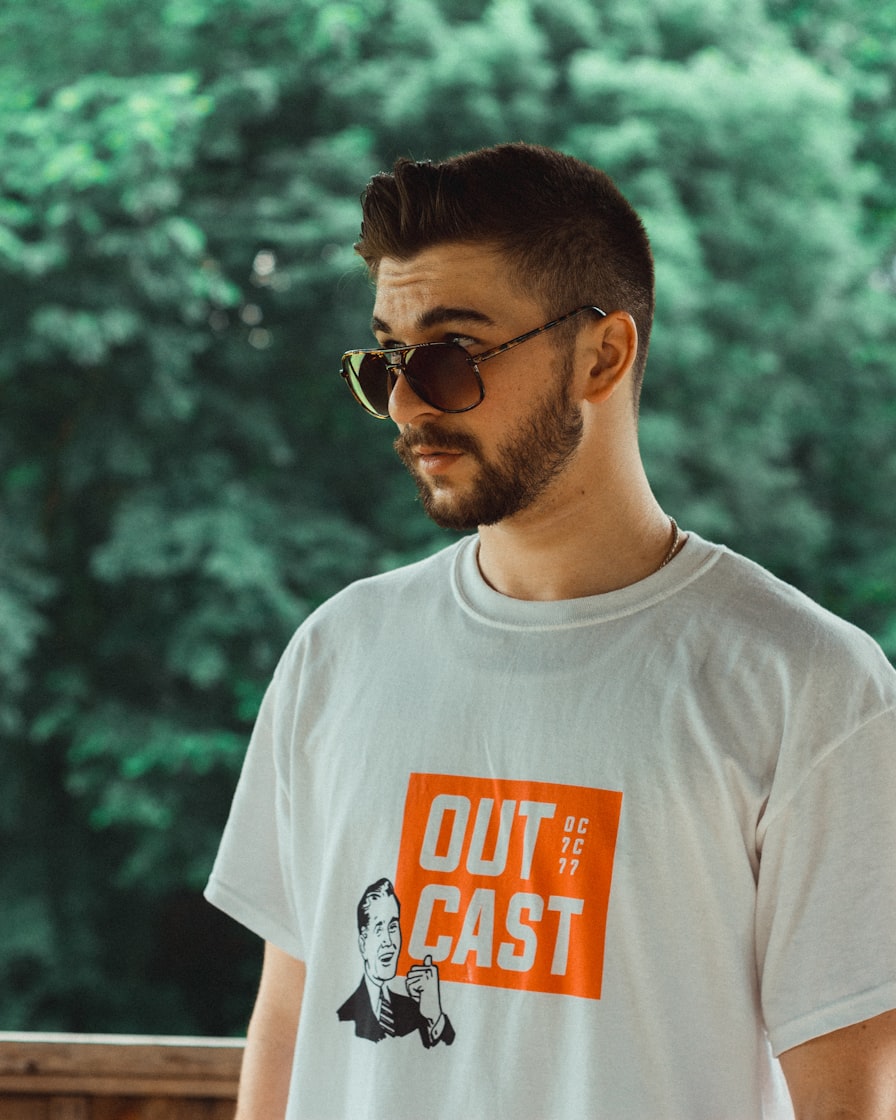
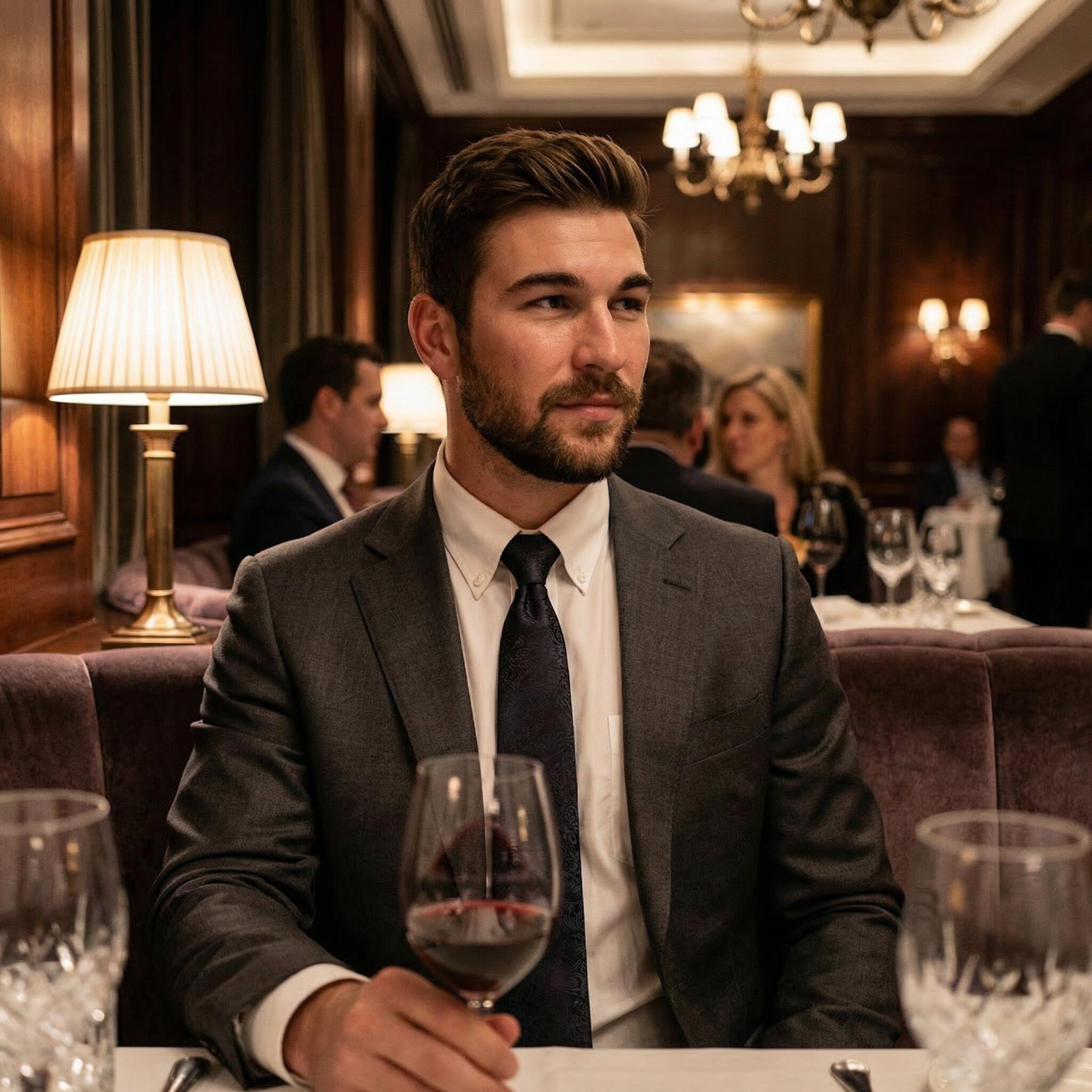
Your camera roll doesn’t have to limit your dating profile. Turn everyday selfies into a gallery of AI photos in different outfits and settings, then choose the ones you actually want to use.

Before
Before
After
After
Upgrade my photos

Keep a change log without claiming a controlled experiment

If you try another opener, change that one element and keep the remaining photos, prompts and settings as stable as practical. Record the dates and anything that could affect what you observe. Similar observation periods can help organize notes, but do not guarantee comparable audiences or exposure.

What to note when you change your first photo

A few notes in your phone are enough to keep track of what changed:

  • The photo and date. Give the picture a recognizable name, such as “blue shirt outdoors,” and record when you made it the opener and when you reviewed it.
  • Anything else that changed. Note whether automatic photo ordering was on, along with edits to your bio, preferences or other photos.
  • The context. Record travel, paid promotion or a change in how often you used the app.
  • What you noticed. Save any available likes, matches or specific feedback, including information you could not see, such as profile views.

When you look back, these notes help you separate a photo change from other changes in how you used the app.

Comparing successive weeks is not a randomized A/B test. Different people may see you; location, activity and exposure can change. A match may also arrive after an earlier interaction. Without profile-view data, likes or matches alone cannot establish a profile conversion rate.

A handful of additional matches does not identify a winner, and there is no universal number of days or swipes that makes this exercise conclusive. Use the log to avoid confusing several changes, not to claim a photo caused a result. An inconclusive comparison is a valid outcome.

How Hinge Top Photo affects manual selection

According to Hinge's Top Photo documentation, the feature predicts which uploaded photo is most likely to receive a Like and places it first. Public and Match-list ordering can differ from what you see in Edit or View Profile.

That matters when recording a manual comparison: the first image in your editor may not have been the opener others saw. Record whether Top Photo was enabled. To hold your chosen opener in place, turn it off in the profile editor; Hinge says iOS users must tap Done to save the toggle change.

This is an ordering feature, not an authenticity check or a guarantee of matches. Keep only suitable candidates in your profile, whichever ordering method you use.

Check the rest of the set before buying anything

After selecting an opener, remove near-duplicates and check whether later pictures add useful context. For a platform-specific example, see the Hinge photo lineup guide. You do not need every picture to compete for first place.

If neither opener is usable, name the missing shot before spending: perhaps a current solo portrait or a clearer crop. The photo rating versus new photos guide explains which kind of help addresses that gap. If new generated options fit your need, review MatchPhotos examples and assess likeness before using any result.

Frequently asked questions

Should the highest-rated picture always go first?

No. Check current likeness, the app crop and the rest of the set. A rating describes impressions in its test context, not a universal best first photo for dating apps.

What if there is no clear winner?

Use either candidate that meets the essential checks. Keep your notes, but do not invent certainty from a small difference or repeatedly change everything.

Can I choose manually while Top Photo is enabled?

Your editor order may differ from the public order. Disable Top Photo if your goal is to keep one selected opener, following the current in-app controls.

What if none of my photos works?

Take a current, clear portrait before paying to compare unsuitable options. Start with the linked photography guide and decide whether further help is necessary.

How MatchPhotos reviews products and selects examples.

Ready for more matches? Start with better photos.

Your photos make the first move. Give them a reason to swipe right with realistic AI photos made from your selfies. Pick your strongest shots and put a better profile out there.

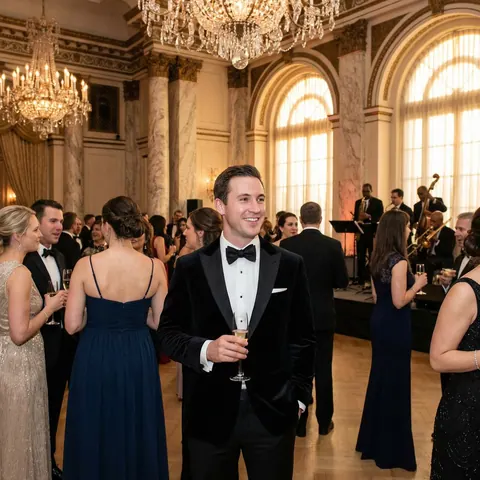
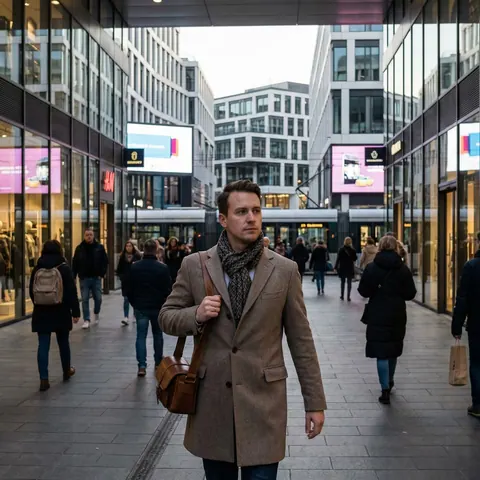
AI-generated portrait of a smiling man in a tuxedo holding a champagne glass at a formal receptionAI-generated portrait of a man in a coat walking along a city streetAI-generated portrait of a smiling man in a suit on a rooftop terraceAI-generated portrait of a man in a navy jacket at an outdoor gathering
  • Feel confident about your profile
  • Attract more matches
  • Turn matches into real dates
Upgrade my photos

Prefer to start later? Get a 10% discount by email.